Table of ContentsClick to view all sections
- Start with the recruitment authority for your application
- How to download your Railway Admit Card
- Check the call letter before exam day
- Do not confuse an exam-city slip with an admit card
- Prepare documents and travel using the official instructions
- If the admit card will not download
- Common mistakes to avoid
- Practical examples
- Conclusion
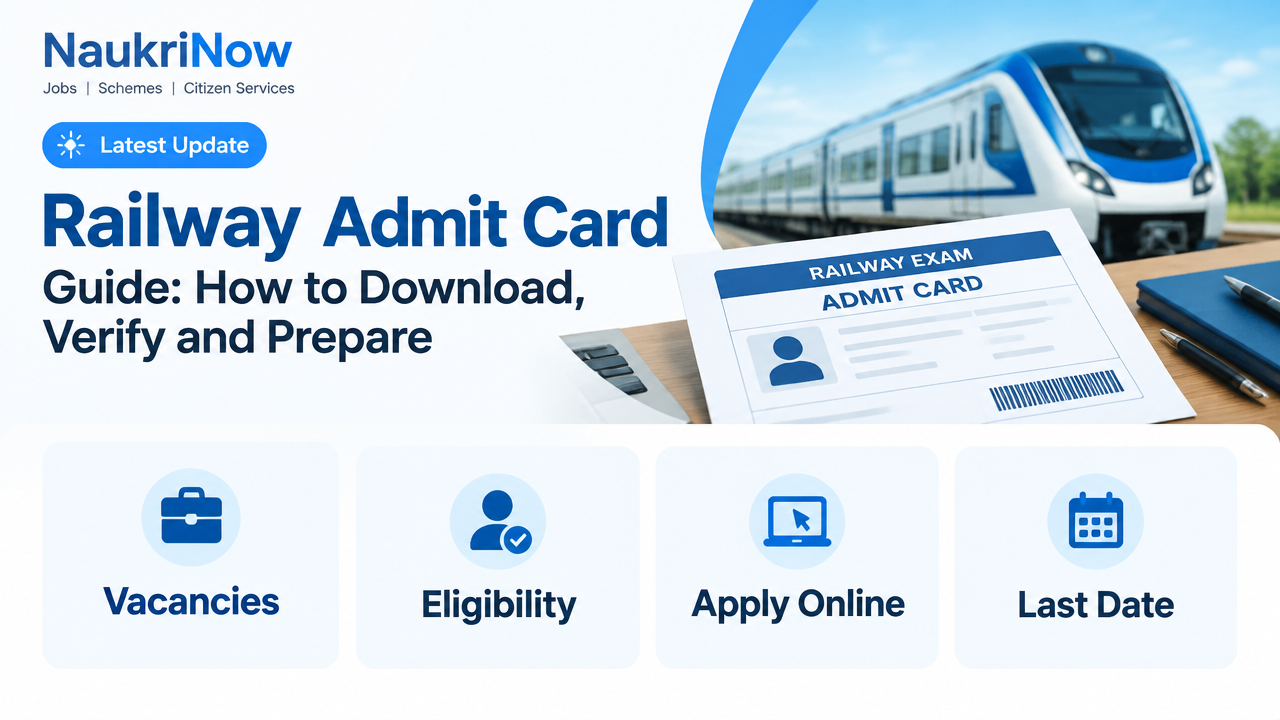
Railway Admit Card Guide: How to Download, Verify and Prepare
Your railway admit card is an important document for an examination: it confirms that you can attend a particular recruitment test and tells you where and when to report. Candidates may see it described as an admit card, e-call letter or call letter, depending on the recruitment authority. The name and download process can vary, so use the instructions for your specific recruitment rather than relying on a general assumption.
This guide explains how to find the correct official login, download and check your call letter, prepare documents, and respond sensibly if something goes wrong. Recruitment schedules, portal links, identity requirements and exam-day rules can change. For current details, always follow the official recruitment notice and the website of the Railway Recruitment Board (RRB), Railway Recruitment Cell (RRC) or other authority responsible for your post.
Start with the recruitment authority for your application
Railway recruitment is not handled through one universal admit-card page for every post and examination. The responsible RRB or RRC is generally identified in the recruitment notification and in the application correspondence you received. Check those records before searching online. A familiar-looking page or a result from a search engine is not enough to confirm that a download link is genuine.
Go to the authority’s official website by using the link in the recruitment notice or by carefully checking the website address printed in that notice. Look for a notice or login specifically connected to your recruitment and examination stage. Read the instructions on that page before entering your details. If the call letter is not available, do not assume that the recruitment has been cancelled or that you have been rejected; check the official notice for the release process and any further instructions.
Keep the notification and your application confirmation accessible. They can help you identify the right recruitment, understand which credentials the login expects and check whether the notice refers to an admit card, an exam-city information slip or another document.
How to download your Railway Admit Card
- Confirm the recruitment. Match the post or recruitment reference on the official page with your application confirmation. Take care if you have applied for more than one recruitment or stage.
- Open the official candidate login. Follow the link from the responsible authority’s website. Avoid links in unsolicited messages or social-media posts unless you verify them against the official site.
- Read the login instructions. The portal may ask for details such as a registration or application number and a password, date of birth or another specified credential. Enter only what the official page requests. Do not share your login details with another person.
- Check the candidate record. If the portal displays your name, application or examination information before download, make sure it relates to the recruitment you intend to attend.
- Download the document. Save the file to a device you can access later. Give it a recognisable file name and keep an original digital copy; do not edit the document.
- Open and inspect every page. Confirm that the text, photograph, instructions and any machine-readable code are visible. If the file is incomplete or unreadable, try downloading it again using a stable connection or another browser.
- Print and store it safely. Use the print settings and paper format advised by the recruitment authority. Keep the printout flat and legible, and retain a backup digital copy.
Download the call letter from the authority’s portal rather than from a file-sharing page. If a cybercafé or another person helps you, remain present while your details are entered and sign out of the account when finished. Do not leave your application information, saved passwords or downloaded document on a shared computer.
Check the call letter before exam day
Read the whole document, including the instructions printed on the back or on later pages. Compare its details with your application records. A quick glance at the exam date is not enough: a small mismatch in a name or a missed reporting instruction can cause avoidable difficulty.
| What to check | What to do |
|---|---|
| Candidate name and identifying details | Compare them with your application and the identity documents you plan to carry. Note any spelling or other discrepancy. |
| Recruitment and examination information | Confirm that the call letter is for the correct post, recruitment and examination stage. |
| Exam date, reporting time and entry instructions | Record the details exactly as printed. Do not substitute a time or date from an old message or another candidate’s document. |
| Exam centre address | Check the full address and plan your route in advance. Verify the location independently using reliable maps or local information. |
| Photograph, signature and other printed information | Make sure essential details are clear and readable. Follow the official instructions if an image or detail is missing or unclear. |
| Required identity proof and other items | Use the call letter and current recruitment instructions as the final checklist; requirements can differ between examinations. |
If you spot a serious discrepancy, contact the recruitment authority through the method stated on its official website or in the notification. Explain the issue clearly and provide the information it asks for. Do this as early as possible. Do not alter the admit card yourself, even if the correction seems obvious, and do not assume that a corrected copy will be accepted unless the authority confirms the process.
Do not confuse an exam-city slip with an admit card
Some recruitment processes may provide information about an exam city or travel planning separately from the call letter. The purpose and availability of such information depend on the specific recruitment. A city-information document should not be treated as permission to enter the examination venue unless the official notice explicitly says so. Likewise, do not assume that receiving one document means all other examination instructions have been fulfilled.
Check the title and purpose of each document, then follow the official notice for when and how the final call letter is issued. If two official pages appear to conflict, rely on the latest relevant notice from the responsible authority and use its stated contact or grievance process to seek clarification.
Prepare documents and travel using the official instructions
There is no single document list that applies to every railway examination. The call letter or recruitment notice may specify an accepted identity document, photographs, declarations or other material. Check the exact instructions for your examination, including any requirements related to the identity proof you selected during application. Carrying an item that was not requested does not replace an item that is required.
Before leaving, use a short checklist:
- The printed call letter, with all pages present and readable.
- The identity proof and any additional documents specifically requested in the official instructions.
- Any photograph or other item required by that recruitment, in the format stated by the authority.
- The centre address and planned route, with enough time allowed for local travel conditions.
- Awareness of restricted items and entry rules printed in the call letter.
Arrive according to the reporting instructions, not merely the examination start time. Entry procedures can take time, and late-arrival rules are set by the authority. Do not rely on a friend’s experience at another centre or in an earlier examination. If the route is unfamiliar, check it in advance and keep the centre address available offline in case mobile data is unreliable.
If the admit card will not download
First check that you are on the correct official portal and that the call letter for your recruitment and stage is available there. Re-enter your credentials carefully, paying attention to similar-looking characters and the format requested. If the page is slow, try again later or use a different browser or device. A stable connection and an updated PDF viewer can also help with a file that opens as a blank page.
If you cannot remember a password, use only the recovery option provided by the official login. Do not repeatedly guess credentials or use a recovery link from an unverified message. If the application number is missing, look for it in your application confirmation, registered email or messages from the official recruitment process. Avoid sending sensitive documents to an address that you have not verified on the authority’s website.
For a technical fault, note what happened, when it happened and any error message shown. Keep a screenshot if it does not expose sensitive information. Then follow the official website’s stated support or grievance route. An unofficial agent cannot guarantee access or admission, and you should not pay anyone who claims to arrange a call letter.
Common mistakes to avoid
- Using a search result without checking the website. Recruitment pages can look similar. Confirm the authority and recruitment before entering personal details.
- Waiting until the last moment to download. A late start leaves little time to resolve a login, printing or centre-address problem. Check the official portal when instructed to do so.
- Checking only the date. Candidates sometimes miss the reporting time, full centre address, identity requirements or important restrictions.
- Assuming every document is an admit card. Read whether a page is a call letter, a city-information notice or another type of communication.
- Editing or altering the downloaded file. Keep the official document unchanged. Request guidance from the authority if a correction appears necessary.
- Relying on another candidate’s checklist. Requirements can differ by recruitment, stage or centre. Your official instructions take priority.
- Sharing passwords, one-time codes or identity details. Enter credentials only on a verified official login and keep account access private.
- Depending only on a phone screen. Check whether the authority requires a printed copy. If it does, a digital version alone may not meet the entry instructions.
Practical examples
You applied to two railway recruitments: Open the relevant official login for each application and check the post and recruitment details before downloading. Do not assume that a call letter for one examination applies to the other.
Your name appears differently from your identity document: Do not correct the PDF with an editing app. Compare the details with your application, read the authority’s instructions and raise the discrepancy through its official process as soon as possible.
You have an exam-city notice but no call letter: Check the notice to understand what the city information is for, then look for the separate call-letter instructions on the responsible authority’s website. Do not travel to the venue on the basis of a city slip unless the official directions say it is valid for entry.
The downloaded file looks blank or incomplete: Save it again from the official portal, open it in a PDF reader and check every page before printing. If the problem continues, record the error and seek help through the official channel rather than using a modified copy.
Frequently Asked Questions
Where should I download a Railway Admit Card?
Use the official website of the RRB, RRC or other recruitment authority responsible for your application. The relevant notification and application confirmation can help you identify the correct authority and candidate login.
What login details will I need?
The portal specifies the required credentials. These may include an application or registration number and another personal login detail. Use the format shown on the official page; do not assume that every recruitment uses the same combination.
Is an exam-city information slip the same as an admit card?
Not necessarily. A city-information slip and a call letter can serve different purposes. Read the document title and the recruitment notice, and use the call letter instructions to confirm what is needed for entry.
What should I do if a detail on my call letter is incorrect?
Do not edit the document. Contact the responsible authority using the official method stated on its website or in the recruitment notice, and follow its advice about corrections and supporting information.
Can I show the call letter on my phone at the centre?
Follow the instructions for your examination. If a printed copy is required, a phone display will not replace it. Check the call letter in advance and print it if directed.
What if I forget my login password or application number?
Use the official portal’s recovery option for a forgotten password. Check your application confirmation and official communications for the application number. If you still cannot access the account, use the authority’s verified support route.
What should I carry with the call letter?
Carry the identity proof and any photographs or additional documents specifically listed in your call letter or recruitment instructions. There is no universal list, so check the requirements for your own examination.
Conclusion
Download your Railway Admit Card only through the official recruitment authority, confirm that it belongs to the correct examination, and read every instruction before exam day. Check your personal details, centre address, reporting time and required documents; keep a clear printout if instructed and save a backup copy securely. For dates, release updates, corrections and current entry rules, trust the latest official notice rather than forwarded messages or general advice.
Comments