Table of ContentsClick to view all sections
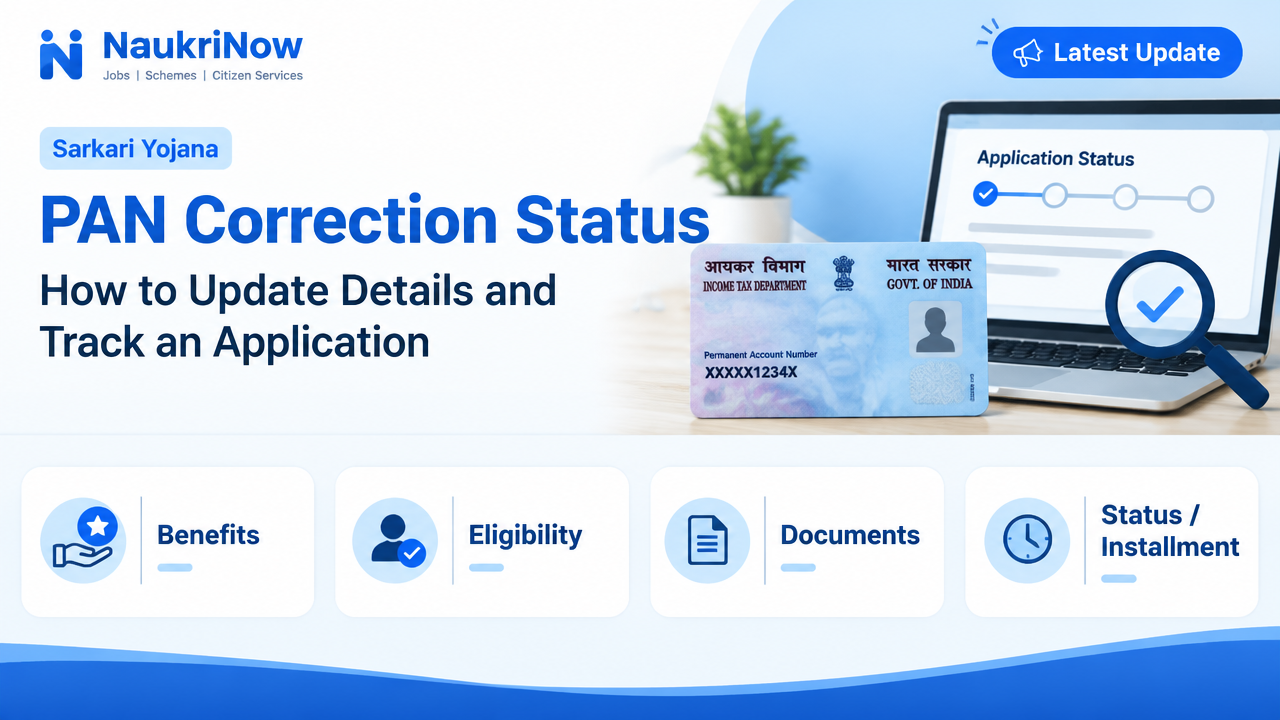
PAN Correction Status — this guide explains the latest verified details, eligibility, benefits, application or status steps, and official resources relevant to this topic.
A mistake in your name, date of birth or other PAN detail can cause problems when your PAN is checked against records held by a bank, employer or government service. If you have already submitted a correction request, the next step is to track it using the reference given when you applied.
This guide explains how to choose the right type of request, prepare for a correction and check its progress. Application options, accepted documents and status-page instructions can change, so confirm current requirements with the official provider handling your application. In India, PAN services are provided through authorised channels such as Protean (formerly NSDL e-Gov) and UTIITSL. Use their official websites or reach them through the Income Tax Department’s official website rather than links in unsolicited messages.
First decide what needs to be done
Not every PAN problem requires a correction application. Identify the issue before you start, because selecting the wrong service can lead to an unnecessary request or delay.
- Correct an existing detail: Use the correction or changes service if a detail printed on your PAN card or recorded against your PAN is wrong or needs an update. The service provider may use a label such as “changes or correction”; follow the current wording on its official application page.
- Replace a lost or damaged card: If your PAN details are already correct and you only need another copy, look for the applicable reprint or replacement service. Do not request a new PAN just to replace a card.
- Apply for a PAN for the first time: This is for someone who has not already been allotted a PAN. If you are unsure whether one exists in your name, check through an official channel before applying.
A PAN is a unique identifier. Do not apply for another one simply because your card is lost, an application is taking time, or a correction is pending. If you think you may have been allotted more than one PAN, contact the responsible official service for guidance instead of submitting another application.
What to check before submitting a correction
Make a short list of the fields that need attention. Depending on the service and your circumstances, these may include your name, date of birth, photograph, signature, parent’s name, address or contact details. The available fields and process can vary, so check the current form before preparing documents.
- Compare the PAN detail with the reliable record you want it to match, such as a relevant identity or civil document.
- Decide on the exact spelling, spacing and order of names before you begin. Make sure the requested change is consistent with the supporting evidence you plan to provide.
- Read the official document list for the particular field and application method. Requirements can differ according to the change requested and the way you submit your application.
- Check whether the process asks you to upload documents, send copies, complete a verification step, or use a method that handles verification electronically. Do not assume one method is available to every applicant.
- Keep your existing PAN details and any application reference to hand. Use your existing PAN when the form asks for it; do not enter a new number or guess a reference.
Documents often serve to establish identity, address, date of birth or the reason for a name change. Which document is accepted for each purpose is determined by the provider’s current instructions. For example, a name change may require evidence of the change as well as identity evidence. Do not rely on a document list copied from an old article or a social-media post.
How to submit a PAN correction request
- Go to the official service. Use the provider that you intend to apply through, or the provider shown on your acknowledgement if you have already applied. Check the website address carefully. Avoid sponsored lookalike pages, unsolicited messages and agents who ask for your login credentials or one-time password.
- Choose the correction service. Select the option for changing or correcting details on an existing PAN. Read the form’s instructions to confirm that it covers the change you need. If you only need another copy of a correct card, check whether a reprint option is more appropriate.
- Enter your existing PAN and details carefully. Type the PAN and personal information exactly as requested. Mark only the fields that need to change if the form tells you to do so. Review every character, especially letters in names, dates and contact details.
- Provide the evidence requested. Submit documents in the format and through the method specified by the official service. Make sure images or copies are readable and that the information supports the particular correction. Do not alter a document image or upload unrelated records.
- Complete the specified verification and payment steps. The available methods and any charges can depend on the service and delivery option. Check the provider’s current instructions for the amount and accepted payment methods; do not rely on an old figure quoted elsewhere.
- Save the acknowledgement. Keep the receipt, acknowledgement number, application or coupon reference, and any confirmation email or message. The exact name of the reference varies by provider. You may need it to check progress or ask the provider about the request.
If you apply through a physical or assisted channel, keep the receipt issued to you and note which provider or authorised centre accepted the application. Use that information to identify the correct tracker later.
How to check PAN Correction Status
Use the application-status facility of the provider that received your correction request. A request submitted through one provider may not appear in another provider’s tracker. If an authorised centre or intermediary helped you apply, check the receipt to see which service handled it.
- Open the provider’s official website by typing its known address yourself or navigating from the Income Tax Department’s official website.
- Find the application-status or track-application option for PAN services. Make sure it relates to a correction request, not a new application or a different service.
- Enter the reference number shown on your acknowledgement. Depending on the tracker, it may be called an acknowledgement, application, coupon or other reference number.
- Complete any on-screen security check and submit the request. Only provide additional information if the official tracker asks for it.
- Read the result carefully and follow any action requested by the provider. If the status is unclear, use the contact or grievance route published on that provider’s official website.
The exact status wording varies between systems. A tracker may show that a request has been received, is being checked, needs further action, has been processed or has been completed. Treat the displayed status as a progress update, not as a promise of a particular delivery date. Processing time can depend on the application, documents and provider, so consult the official source for any current estimate.
If you cannot find the reference, look at the acknowledgement or receipt, the email or text message sent after submission, and any account used to apply. Check that you are entering the right type of reference in the right provider’s tracker. Do not post the reference, PAN, identity documents or screenshots containing personal information in a public forum.
If the status is delayed or asks for action
A request may take longer if information is incomplete, a document cannot be read or verified, or details do not match. A status that asks for clarification or further steps needs attention: read the provider’s instructions and respond only through the official channel. Keep copies of your submission and of any follow-up acknowledgement.
If the tracker has not changed, first confirm that the application was successfully submitted and that you are using the correct reference. Then check the provider’s official guidance for what to do next. If you contact support, describe the issue and give the application reference through the provider’s secure or published channel. Never send an OTP, password, card PIN or full identity document to someone who contacts you unexpectedly.
When the request is marked complete, check the corrected information using an official PAN-related service or the updated document provided through the process. If a detail is still wrong, note the exact discrepancy and ask the provider how to resolve it. Avoid immediately filing another request before understanding whether the first one is complete or needs follow-up.
Common mistakes to avoid
- Applying for a second PAN: A correction or reprint is not a reason to seek another PAN. Use the existing PAN for changes to its details.
- Choosing the wrong service: A new application, correction and reprint serve different purposes. Check which one matches your situation before filling in a form.
- Using inconsistent spellings: Small differences in initials, surname order or spacing can create mismatches. Review the requested version against the evidence before submitting.
- Uploading the wrong or unreadable document: Check the accepted-document list and make sure every required detail is visible.
- Entering the wrong tracking number: Keep the acknowledgement and use the exact reference requested by that provider’s tracker. Do not confuse it with your PAN.
- Using an unofficial website or agent: Fake pages may imitate official services. Start from the provider’s verified site and do not share passwords or OTPs.
- Assuming one correction updates every record: A PAN update may not automatically change details held by your bank, employer, Aadhaar-linked service or other organisation. Check with each relevant organisation about its own update process.
Practical examples
Your surname is misspelled on the card: Check the correction service’s instructions for name changes, prepare the evidence it accepts, and request a correction to the existing PAN. Save the acknowledgement and track it through the same provider.
Your card is lost but the details are correct: Look for the official reprint or replacement option. A new PAN application is not the appropriate way to replace a missing card.
You submitted a correction but cannot see an update: Confirm the provider and reference from your receipt, then use that provider’s tracker. If it requests more information or remains unclear, follow its official instructions rather than submitting a duplicate application.
Frequently Asked Questions
Can I correct PAN details online?
Online application options are available through authorised service channels, but the steps and verification methods can vary. Check the provider’s current instructions to see which method applies to your correction and circumstances.
Which number do I need to track my correction?
Use the reference on the acknowledgement issued when you applied. Its name may differ by provider. If the tracker asks for a particular kind of reference, do not substitute your PAN unless the official page specifically instructs you to do so.
Can I track an application through a different provider?
Usually, you should start with the provider that received the application, because its tracker is linked to its own process. Check your receipt or confirmation message if you are unsure which provider handled it.
What should I do if I lose my acknowledgement number?
Search your application receipt, email, text messages or account used during submission. If you still cannot find it, contact the provider through its official help route and ask what information it needs to locate the request. Do not share personal details on public pages.
How long does a PAN correction take?
There is no single time that applies to every application. Processing depends on the provider, the request and whether the documents or details need further checks. Use the provider’s current estimate and tracker rather than relying on a general claim.
Do I need to correct a detail in every other account too?
Do not assume a PAN correction updates other organisations’ records. Check separately with your bank, employer or any service where the old detail is recorded, and follow that organisation’s own process.
Can I submit another correction while one is pending?
Before starting another request, check the status of the first one and read the provider’s guidance. A duplicate can make it harder to understand which application is being processed. Ask the provider how to proceed if you need to correct an error in a pending request.
Conclusion
For a smooth PAN correction, first confirm whether you need a correction, a reprint or a first-time application. Use the official provider’s current form and document list, check your details before submission, and keep the acknowledgement safe. To follow progress, use the tracker belonging to the provider that received your request. If anything is unclear or the status calls for action, rely on that provider’s official guidance and protect your personal information throughout the process.
Comments