Table of ContentsClick to view all sections
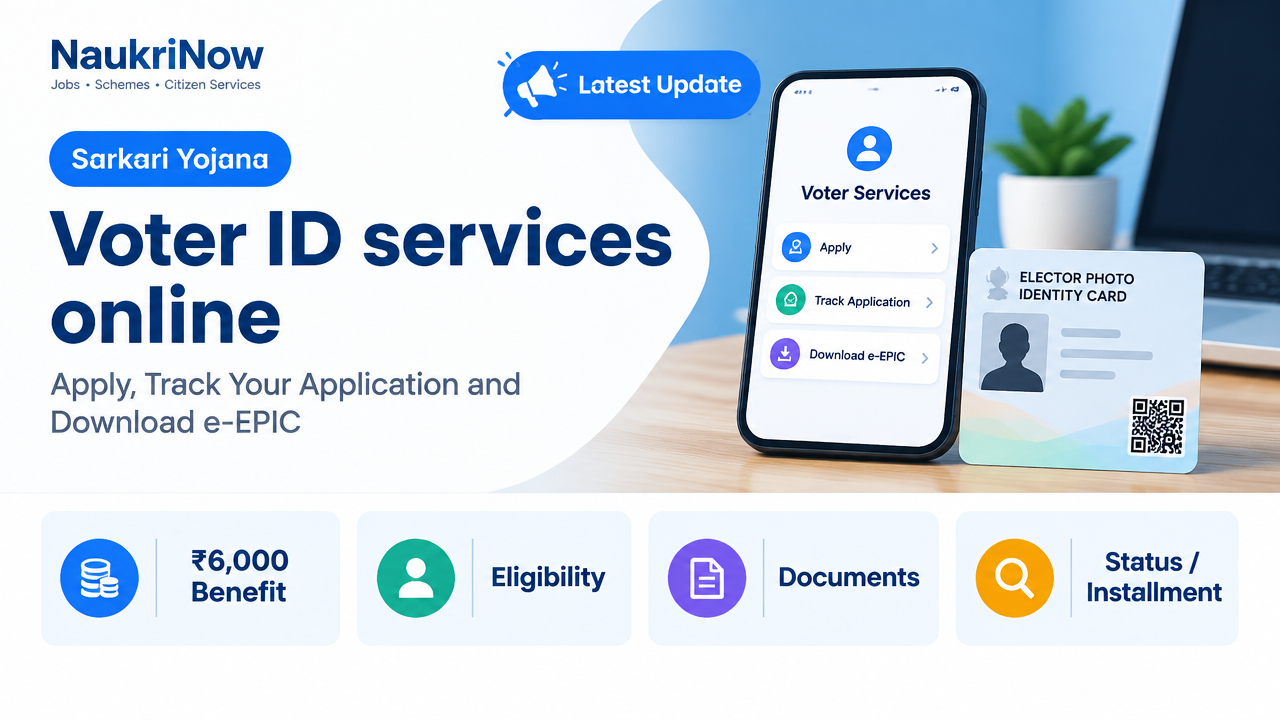
The Election Commission of India (ECI) provides voter services through its Voters’ Services Portal. You can apply for enrolment, request certain changes to your electoral-roll entry, track an application and, where available, download your electronic Electors Photo Identity Card (e-EPIC).
A Voter ID card and an electoral-roll entry are related but not interchangeable: being able to download an EPIC does not by itself confirm that your name is on the current electoral roll. Check your enrolment details before an election and contact the election authorities if your record needs attention.
Choose the right voter service
| Your task | Service or form | What it is for |
|---|---|---|
| Register for the first time | Form 6 | Apply for inclusion in the electoral roll if you meet the eligibility conditions, including being an Indian citizen ordinarily resident in the constituency. |
| Shift your residence or correct details | Form 8 | Request shifting of residence, correction of entries, a replacement EPIC in applicable cases, or marking as a person with disability. |
| Object to an entry or request deletion | Form 7 | Use the form for an objection to inclusion or a request for deletion, as applicable. Provide accurate grounds and supporting information. |
| Check an application | Track application | View progress using the reference details issued after submission. |
| Get a digital voter card | e-EPIC download | Access an electronic EPIC if the portal shows it as available for your record. |
Use the form descriptions on the portal if you are unsure which application applies. Do not file a new-registration application simply to correct an existing voter record; check whether Form 8 is the appropriate service.
Documents to keep ready
Prepare a recent photograph and the supporting documents requested for your application. The exact evidence depends on the service and the details being established. Examples commonly used as age or address evidence include a birth certificate, school certificate, passport, driving licence, bank passbook, utility bill or registered rent or sale document. These are examples, not a guarantee that every document will be accepted for every application. Follow the document options and instructions displayed for the relevant form.
| Application detail | What to check before uploading |
|---|---|
| Identity and personal details | Enter your name and other particulars consistently with your supporting records. Check spelling, date of birth and parent or spouse details. |
| Age or date of birth | Use the evidence requested in Form 6 and make sure the uploaded document is readable. |
| Ordinary residence | Provide evidence for the address relevant to the application. For a shift, make sure you select and enter the correct new residence. |
| Photograph | Upload a clear, recent photograph in the format and size accepted by the portal. |
Do not assume that Aadhaar is the only acceptable document. Check the form’s current instructions for alternatives and any declaration required. Upload only documents that belong to you and avoid sharing them through unofficial websites or messaging accounts.
Apply online: practical steps
| Step | What to do |
|---|---|
| 1. Open the official portal | Go to the ECI Voters’ Services Portal. Check that the address is voters.eci.gov.in before entering personal information. |
| 2. Sign in or create access | Follow the portal’s current sign-in or registration instructions. Use contact details you can access for verification and updates. |
| 3. Select the correct service | Choose the application that matches your need, such as Form 6 for new enrolment or Form 8 for a permitted change to an existing record. |
| 4. Complete the form | Enter your details carefully, select the relevant constituency or address information and attach the requested documents. |
| 5. Review and submit | Check the full form before submission. Save the acknowledgement or reference number shown after filing. |
| 6. Follow up | Use the reference details to track progress. Respond to any further instructions shown by the portal or communicated by the election authorities. |
If you cannot complete the online process, ask your Electoral Registration Officer (ERO), Assistant Electoral Registration Officer (AERO) or Booth Level Officer (BLO) about the available assistance or paper-form process in your area. Local handling arrangements can vary by state and constituency.
Track an application
Open the ECI’s application tracking page and enter the reference information requested on screen. Use the acknowledgement from the original submission, not a guessed or unrelated number. Check the status again later if it has not changed; processing and field verification can take time, and the portal does not provide a single guaranteed completion period for every case.
If tracking cannot find the application, check that you are using the correct reference number and that there are no typing errors. If the details are correct but the record still does not appear, contact the relevant election registration office or BLO for guidance.
Download e-EPIC
Use the ECI’s e-EPIC download page and follow the sign-in and verification prompts. The portal will indicate whether a digital card is available for your record and what details are needed to retrieve it. Keep your login and verification codes private.
If the download option is unavailable, first check whether your voter record is correct and whether the portal can locate it using the details requested. A missing download option does not automatically mean that your name is absent from the electoral roll. Seek help from the election authorities if the record appears incorrect or cannot be found.
Fix common problems safely
- Wrong service selected: Review the purpose of Forms 6, 7 and 8 before submitting. If you have already filed the wrong request, use the portal’s available guidance or contact the election office rather than submitting repeated applications.
- Application cannot be tracked: Re-enter the exact reference number from the acknowledgement and check for mistaken characters.
- Documents are rejected or unclear: Read the portal’s instructions, upload a legible image and ensure the document supports the particular detail in question.
- Details on the card or roll are wrong: Check the correction service and submit the information requested for the relevant entry; do not alter an official document yourself.
- Someone asks for money or an OTP: Do not share passwords, OTPs or sensitive documents with an unknown caller or agent. Use the official portal or seek assistance from an authorised election official.
The national portal is the main online entry point, but constituency-level verification and assistance are handled through election officials. Follow the instructions shown for your state and constituency, and rely on official ECI channels for current requirements.
Frequently Asked Questions
Can I apply for a Voter ID online?
You can apply online for enrolment through Form 6 on the ECI Voters’ Services Portal. Eligibility and supporting-document requirements apply; submitting a form does not itself confirm that enrolment is complete.
Which form should I use to correct my voter details?
Form 8 is used for specified corrections and other listed services, including shifting residence. Check the current form instructions to confirm that your requested change fits the service.
How do I check my voter application status?
Use the official tracking page and enter the reference details from your application acknowledgement.
What is e-EPIC?
e-EPIC is the electronic version of the Electors Photo Identity Card. You can check the official download page to see whether it is available for your voter record.
Can I download e-EPIC if I have lost my physical card?
Check the e-EPIC page and follow its verification process. If the digital card is not available or your details do not match, contact the election authorities for the appropriate next step.
Is Aadhaar the only document I can use?
Do not assume it is the only option. Refer to the document choices and declarations in the current application form and provide the evidence requested for your case.
Does having a Voter ID card guarantee that I can vote?
No. Check that your name is included in the current electoral roll for the relevant constituency. The card alone is not a substitute for electoral-roll enrolment.
Can I apply offline if I cannot use the portal?
Ask your ERO, AERO or BLO about assistance and the paper-form process available in your constituency. Local arrangements may differ.
Comments