Table of ContentsClick to view all sections
- What you can do through Sarathi Parivahan
- How to apply online or start a licence service
- Documents and details to keep ready
- Fees, appointments and state-level differences
- Check status, appointment details or download options
- Corrections and common problems
- Protect your application from scams
- Related NaukriNow Guides
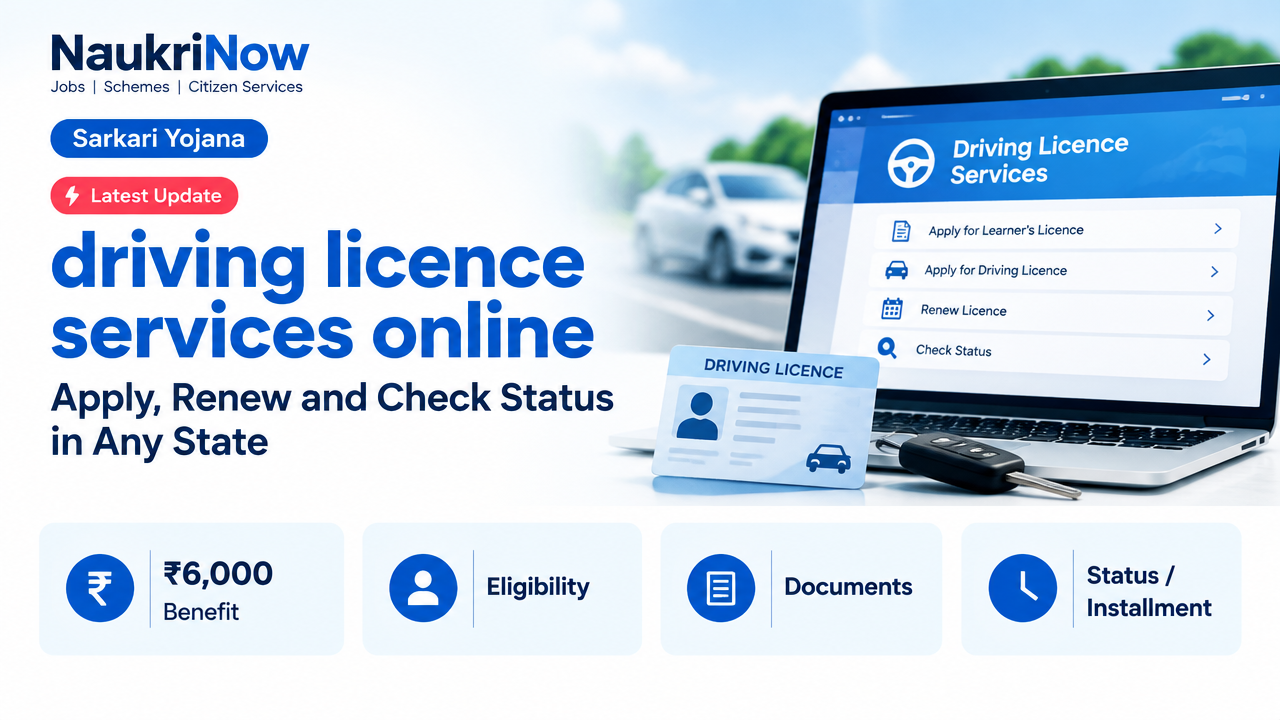
You can access many driving licence services online through the Ministry of Road Transport and Highways’ Sarathi Parivahan portal. Start by selecting the state where the service is to be handled, then check the options displayed for that state. Available services, required documents and whether you must visit a Regional Transport Office (RTO) can differ.
Official portal: Sarathi Parivahan — select your state. For other national transport information, visit Parivahan Sewa.
What you can do through Sarathi Parivahan
Sarathi is the official online service portal for many driving licence-related tasks. It is not a single application form for every state: choose the relevant state first, then use the service menu shown on screen. Some requests may be completed online, while others can require a test, document verification or an RTO visit.
| Service | What it is for | What to check before proceeding |
|---|---|---|
| Learner’s Licence (LL) | Applying for a learner’s licence, where the service is available online. | Check the state’s application instructions, eligibility information, document requirements and test arrangements. |
| Driving Licence (DL) application | Applying for a driving licence after meeting the applicable learner’s licence and testing requirements. | Confirm the required application details and whether an appointment or driving test is part of the process. |
| Renewal | Submitting a request to renew a driving licence. | Check the state portal’s instructions for the licence details and supporting documents needed for your case. |
| Address change or other particulars | Requesting an update to details recorded against a licence, where offered. | Use the service that matches the change and check what proof the state requires. |
| Mobile number update | Updating contact information where this option is available. | Follow the portal’s verification instructions; do not share an OTP with anyone. |
| Appointment, status and download | Booking or viewing an appointment, checking an application, or accessing a licence-related download if provided. | Use the application or licence details requested by the portal. Availability and download options vary. |
| Driving school-related services | Accessing a driving-school service listed for the selected state. | Read the service description carefully; this is not necessarily an application for an individual driving licence. |
How to apply online or start a licence service
The exact labels and screens can change by state. Use the state-specific instructions shown on the official portal rather than relying on a form or payment link sent by an unofficial website.
| Step | What to do |
|---|---|
| 1. Select the state | Open Sarathi Parivahan’s state-selection page and choose the state relevant to your application or licence record. |
| 2. Choose the service | Open the service menu and select the task you actually need, such as a Learner’s Licence application, driving licence application, renewal or address change. |
| 3. Read the state instructions | Check the information requested, document rules, fee details and any test or appointment requirements displayed before you submit. |
| 4. Enter details and submit | Complete the online form carefully, provide the requested supporting information and save the application number or acknowledgement shown after submission. |
| 5. Complete any next step | If instructed, pay through the official portal’s payment flow, book an appointment, attend the relevant test or visit the RTO. Not every service follows the same sequence. |
| 6. Track the request | Use the state portal’s application-status or appointment option, if available, and keep your acknowledgement details for reference. |
Documents and details to keep ready
There is no single document checklist that applies to every licence service in every state. The portal’s instructions for your selected state and transaction are the final guide. Depending on the service, you may be asked for some of the following:
- Application or existing licence details, as applicable.
- Proof of identity, age or address if requested for that service.
- Supporting documents for the particular change or renewal being requested.
- A photograph, signature or other digital information if the form asks for it.
- A working mobile number for application updates or verification, where required.
Check that names, dates and other particulars match across the application and supporting documents. Upload files in the format and size accepted by the portal; do not submit extra or unrelated documents unless the instructions ask for them.
Fees, appointments and state-level differences
Fees, available online services, payment methods, appointment slots and processing steps are not necessarily identical across states or transactions. Review the amount and payment instructions shown for your selected service before paying. This article does not quote a fixed fee or processing time because those details depend on the state and application.
A portal submission does not automatically mean that the entire process is online. A test, document check or RTO visit may still be required. Follow the appointment or next-step instructions attached to your application, and contact the relevant state transport authority or RTO if the portal directs you to do so.
Check status, appointment details or download options
Return to the Sarathi portal, select the same state and open the relevant status, appointment or download option shown there. Enter the application or licence details requested on screen. Keep your acknowledgement or application number safe; it can help you retrieve the request and follow its progress.
If a download option is not shown for your state or service, do not assume that another site offering a copy is authorised. Check Parivahan’s official information or ask the relevant transport authority how to access the record.
Corrections and common problems
- Wrong state selected: Return to state selection and choose the state linked to the service or licence record. A request started under the wrong state may not appear in the expected menu.
- Service not listed: Some services may not be enabled online for every state or situation. Check the state’s available options and follow any instruction to contact or visit the RTO.
- Application details do not match: Recheck spelling, dates and licence or application details before submission. If an application is already submitted, look for an official correction or update option; do not create another application unless the portal or authority instructs you to.
- Payment or appointment issue: Check the portal’s transaction or appointment status before trying again. Keep any receipt or acknowledgement and avoid paying twice without confirming the first transaction’s status.
- Status is not changing: Use the official status option and retain your application reference. If the portal gives no resolution, contact the relevant state authority or RTO using contact details published through official government channels.
Protect your application from scams
- Start from the official Sarathi or Parivahan website; check the web address before entering personal or payment information.
- Do not share an OTP, password, payment PIN or full banking credentials with an agent or caller.
- Pay only through the payment process presented by the official portal for your service. Be cautious of messages promising guaranteed approval, a licence without required tests, or faster processing for an unofficial fee.
- Save your acknowledgement and payment receipt, but avoid posting licence details or identity documents publicly.
Frequently Asked Questions
Which website should I use for driving licence services online?
Use the official Sarathi Parivahan state-selection portal. Choose your state to see the services and instructions available there.
Can I apply for a learner’s licence and a driving licence online?
Many states provide online application services through Sarathi. The applicable sequence, eligibility conditions, tests and any RTO visit depend on the state and service. Follow the instructions shown after selecting your state.
Can I renew my driving licence online in any state?
Renewal services may be available online, but availability and requirements vary. Select the state associated with your licence and check its renewal instructions before starting.
Can I change my address or mobile number online?
Use the relevant update service if it appears for your state. The portal will specify what information or proof is needed and whether an additional step is required.
Will I need to visit an RTO after applying online?
Possibly. Online submission does not guarantee that the full process can be completed remotely. A test, verification or RTO visit may be required for the selected service.
How can I check my application status?
Select your state on Sarathi and use the status option available for that service. Keep the application or acknowledgement details needed to retrieve your request.
Are the fees and processing time the same in every state?
No single fee or processing time applies to every state and transaction. Check the amount and any time-related information displayed by the official portal or state transport authority.
What should I do if I selected the wrong service or entered incorrect details?
Before submitting, review the form and correct errors on screen. After submission, check whether the state portal provides an official correction option. If it does not, follow the portal’s guidance or contact the relevant RTO rather than submitting duplicate applications.
Comments