Table of ContentsClick to view all sections
Government Job Documents — this guide explains the latest verified details, eligibility, benefits, application or status steps, and official resources relevant to this topic.
Preparing your documents early can make a government job application much less stressful. The right records help you enter accurate details, support claims such as education or reservation category, and respond to verification requests. But there is no single document list that applies to every recruitment: requirements depend on the post, recruiting organisation and the instructions in the current official notice.
Use this guide to organise common records and avoid preventable errors. Treat the relevant recruitment notice, application portal and instructions from the responsible authority as the final word on what is required, which formats are accepted and when documents must be submitted.
Start with the official recruitment notice
Before collecting or uploading files, find the notice for the exact post and recruitment cycle on the recruiting organisation’s official website. Read the application instructions, eligibility section and any document or certificate annexures. If the portal has a separate help or upload page, check that too. A summary on another website can be useful for discovery, but it should not replace the official instructions.
Make a personal checklist from the notice. Separate documents into three groups:
- Needed to apply: details or files the form asks for at submission.
- Needed to support a claim: records relevant to eligibility, category, age relaxation, experience or another benefit you have selected.
- Needed later: originals or additional proof that may be requested at an examination, interview, document verification or joining stage.
Do not assume that a document asked for during verification must be uploaded with the initial application, or that a file accepted by the portal will automatically prove eligibility. Follow the instructions for that stage.
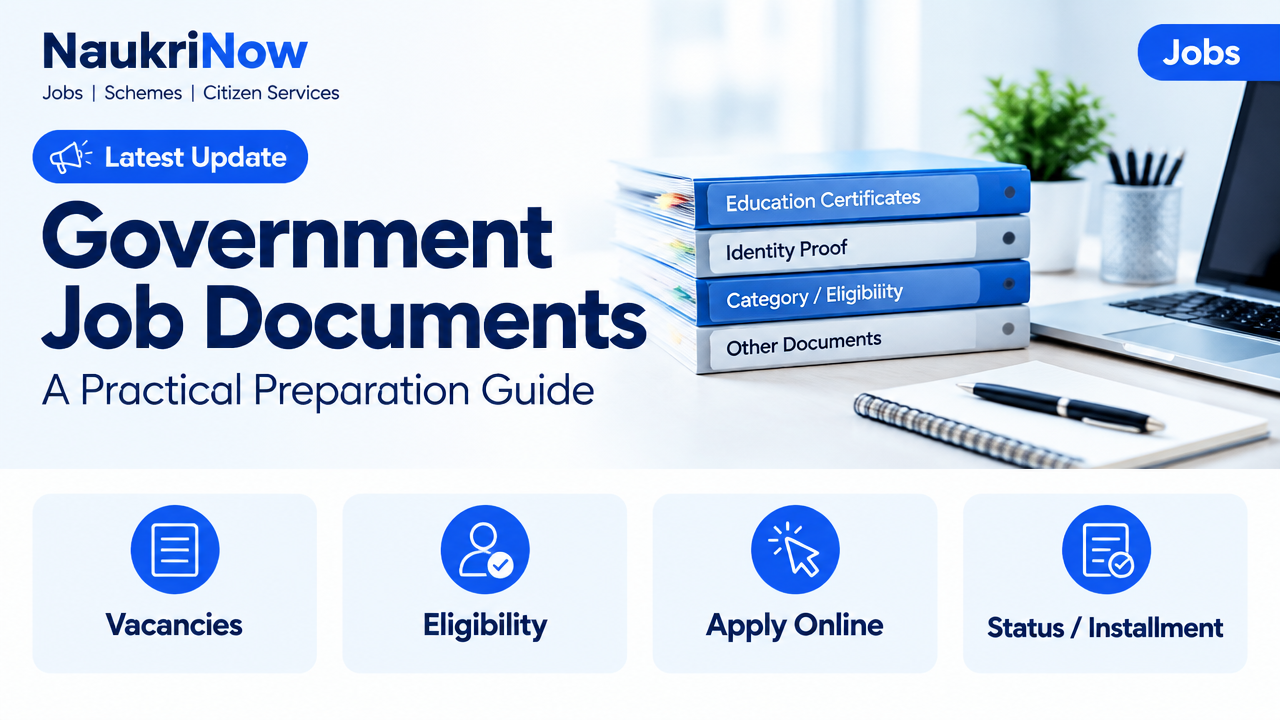
Common government job documents to organise
The table below is a planning aid, not a universal requirement list. Collect only what applies to your application and check the exact wording and format in the relevant notice.
| Document group | Examples | What to check |
|---|---|---|
| Identity and personal details | Government-issued photo identity, birth or date-of-birth record, recent photograph and signature | Names, dates and other details match the form; image and file instructions match the notice |
| Education | Mark sheets, certificates, degree or diploma, or other qualification proof | The qualification and any required subject, result or completion details correspond to the post’s eligibility rules |
| Category or eligibility claim | Applicable caste, community, EWS, disability, domicile or other certificate | The certificate is relevant to the claim and meets the notice’s issuing-authority, wording and date requirements |
| Work or service history | Experience letters, service records, discharge or service documents, where applicable | Employer, role and dates are clear and support the experience or service claimed |
| Other post-specific records | Professional registration, licence, NOC or other prescribed proof | The post or notice specifically asks for it and the document is valid for the stated purpose |
Identity, name and date of birth
Keep an accepted identity document available for the stages specified by the recruiting body. The permitted identity documents can vary, so do not assume that one form of ID will be accepted everywhere. Enter personal details exactly as requested and compare them with the records the notice identifies as relevant.
Pay special attention to spelling, initials, surname order and date formats. If your name differs across records—for example, after a name change or marriage—do not alter a certificate yourself. Check the official instructions for acceptable supporting evidence and use the explanation or correction process provided by the recruiting body, if one is available. The required proof is determined by that authority.
Education and qualification records
Collect the mark sheets and certificates that support the qualification you enter in the form. Some applications may ask for particular examination results or proof of completion; others may ask for additional details. Check the eligibility wording carefully, including any required subject, level, recognition or completion condition. Do not infer that a similar-sounding qualification is acceptable without confirmation from the official notice or recruiting authority.
If a final certificate has not yet been issued, consult the notice before relying on provisional proof, a result document or a letter from an institution. Whether such proof is accepted, and by what stage, is a recruitment-specific matter.
Category, disability, domicile and other claims
If you claim a reserved category, age relaxation, disability-related provision, domicile status or another eligibility benefit, identify the exact proof requested for that claim. These documents may have specific requirements for the issuing authority, certificate wording, format or date. A document that supported an earlier application may not necessarily satisfy a different notice.
Check the notice’s prescribed format or annexure when one is provided. Do not rely on a certificate simply because it uses a familiar label; verify that it addresses the particular category or claim in your application. If a certificate is pending, unclear or in a different format, seek guidance from the recruiting body or the authority responsible for issuing it before submitting a claim.
Experience, service and post-specific proof
For posts that require work experience, organise the records that demonstrate the employer, position and relevant period of service. The notice may specify what counts as experience and what evidence it accepts. A resume or self-written statement alone may not meet a formal proof requirement. Check whether the notice calls for a particular certificate or supporting record.
Some roles may require professional registration, a licence, a no-objection certificate, service-related proof or another specialised document. These are not standard requirements for every government job. Include them only when the notice or application instructions make them relevant, and confirm whether they are needed at application, verification or a later stage.
A practical document-preparation workflow
- Save the official instructions. Keep the notice and relevant portal guidance for the exact recruitment. Note any document annexures, upload rules and stage-specific requirements.
- Make a requirement-to-proof list. For every form field or eligibility claim, write down the record that supports it. Mark items that are required now separately from items that may be needed later.
- Compare your records. Check names, dates, qualification details and other key information across your documents before entering the form. Resolve discrepancies using official guidance rather than guessing.
- Check certificates early. Confirm that any required category or other certificate is available and appears to meet the notice’s stated conditions. If you need a new or corrected document, contact the relevant issuing authority with enough time to understand its process.
- Prepare digital copies carefully. Scan or photograph each document so that all text, seals, signatures and edges are visible and legible. Use the file type, size, dimensions and naming approach specified by the portal. Do not assume a particular format or limit applies across recruitments.
- Upload and review. Match each file to the correct upload field. Preview it if the portal allows, and check that it is upright, readable and complete. A correctly named file can still be the wrong document.
- Keep an organised record. Save the submitted form, acknowledgement and copies of the files you uploaded, along with the notice. Store sensitive records securely and keep originals safe for any later stage.
File handling and personal-data safety
Use a clear folder structure, such as one folder for identity, one for education and one for certificates. Give files descriptive names that help you identify them without changing their contents. Keep an unedited copy of each original scan. If you need to resize or convert a file to meet portal instructions, verify the converted copy against the original before uploading.
Never share passwords, one-time passcodes or unnecessary copies of sensitive records with an unverified person. Use the official application portal reached through the recruiting organisation’s website, and be cautious of unofficial sites or messages claiming to arrange certificates or guarantee selection. If you use a shared device or print shop, log out, remove temporary copies where possible and avoid leaving documents behind.
Mistakes to avoid
- Using a generic checklist as the final authority. Requirements vary. Confirm each item against the exact recruitment notice.
- Assuming all certificates are interchangeable. The accepted format, issuing authority and relevant details may be specified for a particular claim.
- Entering a guessed or inconsistent detail. Copy information carefully from the appropriate record and follow the form’s instructions for fields that do not match neatly.
- Uploading a cropped, blurred or incomplete scan. Make sure the whole relevant document is readable, including pages or sides requested by the portal.
- Confusing upload acceptance with eligibility approval. A portal may accept a file technically without confirming that it meets the recruitment’s rules.
- Waiting until submission day to find a discrepancy. Check missing, expired or inconsistent records while there is time to ask the relevant authority for guidance.
- Editing official documents. Do not alter text, dates, seals or other document content. Request a correction from the issuing authority where appropriate.
- Discarding the final application record. Keep the submitted form and relevant communication for reference, especially if verification follows.
Examples: how to apply the checklist
Example 1: A name differs across records. An applicant notices that a surname appears differently on an identity document and an education certificate. Rather than silently changing the application entry or editing a scan, the applicant checks the recruitment instructions for name-mismatch proof and asks the recruiting body or relevant issuing authority what evidence is accepted.
Example 2: A certificate is available, but its format is uncertain. An applicant plans to claim a category-related benefit and already has a certificate. Before selecting the claim, they compare it with the notice’s prescribed format and conditions. If the document does not clearly match, they contact the responsible authority instead of assuming it will be accepted.
Example 3: The upload looks correct but is unreadable. A full-page scan is saved in the portal’s permitted file type, but the text is faint. The applicant checks the preview, creates a clearer scan within the portal’s stated limits and confirms the correct file is attached before submission.
Frequently Asked Questions
1. Is there one standard document list for every government job?
No. Common records include identity and education proof, but the exact documents depend on the post and recruitment. Use the current official notice and application instructions as your checklist.
2. Should I upload every document I own?
No. Upload the files requested in the relevant fields and provide other proof only when instructed. Unrequested files may not help and can create confusion. Keep other potentially relevant records organised for a later stage if the notice calls for them.
3. Can I use a digital copy instead of an original?
That depends on the stage and the recruiting body’s instructions. A digital upload may be requested during application, while originals or other forms of proof may be requested later. Check the notice for the specific stage; do not assume one replaces the other.
4. What if the name or date of birth differs between documents?
Do not guess, conceal the difference or alter a document. Read the official instructions for discrepancies and ask the recruiting body or relevant issuing authority what supporting evidence is accepted. The correct process depends on the recruitment and the records involved.
5. My certificate is pending. Can I still apply?
Check the notice for the eligibility date, application requirements and any rules about pending proof. Whether a receipt, provisional document or later submission is accepted is not universal. Confirm with the official authority before relying on it.
6. What file type and size should I use?
Use the specifications shown in the current application portal or notice. Formats, dimensions and size limits can differ between portals and recruitment cycles, so avoid relying on instructions from an unrelated application.
7. Where should I ask if a document requirement is unclear?
Use the contact or clarification channel published on the recruiting organisation’s official website or in the notice. For questions about issuing or correcting a certificate, contact the authority responsible for that document. Do not rely on unofficial claims as confirmation of a rule.
Conclusion
Good document preparation is about accuracy, not collecting the largest possible stack of papers. Read the official notice, connect each application detail and claim to the right proof, check for inconsistencies and prepare clear files that meet the portal’s instructions. Keep copies securely and preserve originals for any stage that requires them. When a requirement is uncertain, verify it with the recruiting body or the document-issuing authority before you submit.


Comments