Table of ContentsClick to view all sections
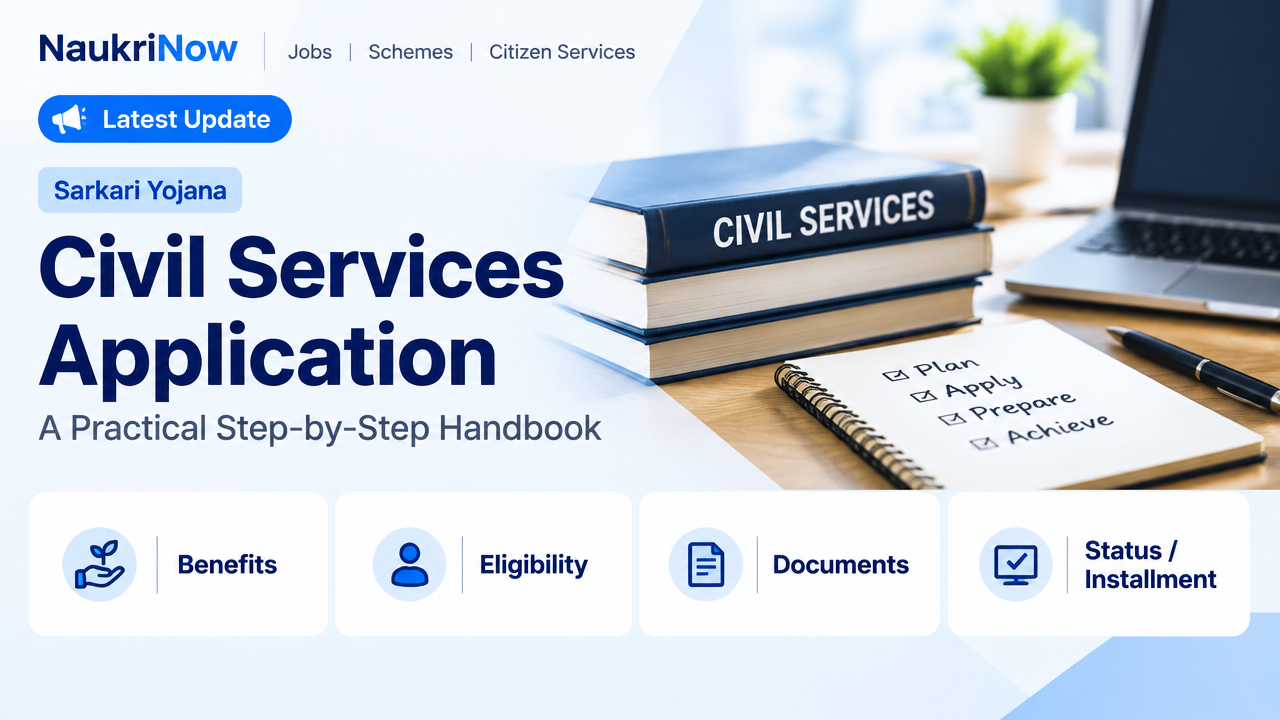
Civil Services Application Guide: A Practical Step-by-Step Handbook
Applying for a civil services examination is more than filling in a form. You need to identify the correct recruitment authority, read the current notification, check that you meet its requirements and submit accurate information through the prescribed portal. A small mistake in a name, category claim or uploaded document can create difficulties later.
This guide explains a reliable way to approach the process. It covers general application practices for Indian candidates, not current vacancies, dates, fees or eligibility rules. Those details can change between examinations and recruitment cycles, so always confirm them in the latest notification issued by the responsible official authority.
First, identify the examination and its authority
“Civil services” can refer to different examinations. The Union Public Service Commission (UPSC) conducts recruitment examinations for services under the Union government. State Public Service Commissions conduct examinations for state services, while some posts may be recruited through another state or government authority. The title of an examination alone may not tell you which rules apply.
Start by finding the official notification for the exact examination you intend to apply for. Check the recruiting authority, the services or posts covered, the examination cycle and the application portal named in that notice. If you are applying for a state examination, use that state’s commission or the authority specifically identified in the notification. Do not rely on a coaching site, social media post or search result as the final source for application requirements.
A civil services selection process commonly has more than one stage, such as a preliminary examination, a written main examination and an interview or personality test. The structure, qualifying rules and sequence are not identical across all examinations. Use the relevant notification and examination instructions to understand the process you are entering.
Read the notification before opening the form
It is tempting to begin filling in fields as soon as an application link appears. Read the notification first. It sets out the conditions under which the application is accepted and explains what evidence may be required later. Keep a copy of the notification and any official instructions or corrigenda published for the same examination.
Pay particular attention to:
- Eligibility: Check the stated age conditions, educational qualifications and any other requirements against your own circumstances. Note how the authority defines the relevant dates and what documents it accepts as proof.
- Category and relaxations: If you intend to claim a reservation category, age relaxation, disability-related provision or another concession, confirm the exact conditions and evidence specified for that examination. Do not assume that a claim accepted by one authority or in one recruitment cycle will automatically apply elsewhere.
- Application and examination arrangements: Read the instructions about the permitted application method, examination choices, language or subject selections, centre preferences and any limits on choices. These selections may be restricted or difficult to change after submission.
- Fee and payment instructions: Check the amount, payment methods, exemptions and payment deadline in the current notice. Do not infer them from an older advertisement.
- Correction or editing facility: Find out whether corrections are allowed, what fields can be changed and when. A correction facility should not be treated as a substitute for checking the form carefully before submitting it.
- Important instructions for later stages: Note which original certificates or other records candidates may need to present if they progress. Requirements can differ by authority and category.
If the notification uses a term you do not understand, look for its definition or clarification in the official instructions. When instructions appear inconsistent, check for a later official notice or clarification rather than choosing the interpretation that seems most convenient.
Prepare your details and files before applying
Preparing in advance makes the online form easier to complete and reduces the chance of hurried errors. Use the information and records that the notification asks for; a general checklist is a starting point, not a substitute for the examination’s own requirements.
- Personal details: Keep your name, date of birth and other identifying information consistent with the records the authority tells you to use. Check spelling, order of names and any initials carefully.
- Contact details: Use an email address and mobile number that you can access throughout the recruitment process. Check for typing errors and keep access to the account and number secure.
- Education details: Refer to your certificates or official academic records when entering institution, qualification, subjects, completion dates or other requested information. Avoid relying on memory where exact details matter.
- Category or special-claim documents: If you are making a claim that needs supporting evidence, check the notification for the required document, issuing authority, format and any relevant validity conditions.
- Photograph and signature: Prepare image files that meet the portal’s stated size, format, dimensions and presentation requirements. A correct document in the wrong file format may still be rejected by an upload system.
- Payment method: If a fee applies to you, use only the payment options shown on the official application portal and retain the transaction record.
File requirements are not universal. An image specification from a previous examination or another commission may not work for the form you are completing. Check the live instructions on the official portal before resizing or uploading files.
How to complete a civil services application
- Open the official application route. Follow the application link from the recruiting authority’s official website or the notification. Check that you have selected the correct examination and recruitment cycle. Be cautious of sponsored search results, copied forms and unofficial websites that ask for unnecessary personal or payment information.
- Create or access your account as instructed. Some authorities may use an account, registration or profile process. Follow the current portal’s instructions rather than assuming that a previous registration is sufficient. Protect your login credentials and do not share one-time passwords.
- Enter personal information from reliable records. Work through the form in order. Match names, dates and other identity details to the records required by the notification. If the system populates information from a saved profile, review it rather than assuming it is correct.
- Complete education, category and eligibility sections carefully. Answer each question according to its wording. Do not claim a category, qualification, relaxation or other status unless you meet the stated conditions and can provide the required proof. If a field is unclear, pause and consult the official instructions.
- Make examination-related choices deliberately. Review preferences, subjects, language choices, centres or other selections available in the form. The options and rules depend on the examination, and some selections may not be editable later.
- Upload the requested files. Use the specified file types and limits. After uploading, check that the preview is clear, correctly oriented and belongs to you. Do not assume that an upload succeeded merely because you selected a file from your device.
- Preview the entire application. Before final submission, review every section. Check the fields that are easy to overlook, including spelling, category, education details, contact information and application preferences. Compare important entries with your documents and the notification.
- Pay the fee if required and complete submission. Follow the portal’s instructions. A payment debit alone may not confirm that the application has been successfully submitted. Look for the status or acknowledgement specified by the authority.
- Save proof of submission. Download or print the final confirmation, application form and payment receipt where available. Keep them with your notification and supporting records. Check the application status on the official portal if the authority provides that facility.
Use a final-review checklist
Before submitting, give yourself a short break from the form and then check it again from the beginning. A second review is especially useful if you completed the application under time pressure.
- Is this the correct examination and application cycle?
- Have I checked the eligibility requirements in the current official notification?
- Do my personal details match the relevant records?
- Have I answered every required field and made each selection intentionally?
- Are the uploaded photograph, signature and supporting files clear and compliant with the portal instructions?
- Have I reviewed any category or relaxation claim against the stated conditions?
- Is the application status shown as submitted or complete, rather than saved as a draft?
- Have I saved the acknowledgement and any payment record?
Common mistakes to avoid
- Applying from an old notification: Previous instructions can be useful for orientation but may not match the current examination. Verify every changing detail against the latest official notice.
- Leaving the form until the last moment: Slow internet, upload problems or payment delays can make a last-minute application stressful. Begin early enough to resolve issues through the official process.
- Guessing dates or qualification details: Check certificates and the exact wording of the form. If your circumstances are unusual, do not enter an answer based on an assumption.
- Making an unsupported claim: A category or other claim may require a particular certificate or meet conditions tied to the examination. Read the rules and make only claims you can substantiate.
- Uploading an unsuitable image: A blurred, cropped or incorrectly formatted file may not meet the stated requirements. Check the preview and the portal’s specifications.
- Assuming payment means submission: Payment and final application status may be separate steps. Confirm the status shown by the official portal and retain the acknowledgement.
- Sharing sensitive information with unofficial agents: Do not disclose passwords, one-time codes or payment credentials. If you need help using a form, keep control of your account and verify any advice through official instructions.
- Expecting to fix every error later: Editing facilities, where available, can have limits. Treat the review before final submission as essential.
Practical examples
Example 1: A difference in name format. Your school certificate shows a middle name, but another document uses an initial. Do not decide which format to enter based on convenience. Read the notification’s identity instructions and use the record it specifies. Keep relevant supporting records available in case the authority asks for verification.
Example 2: A category certificate is not ready. You believe you meet the conditions for a particular claim, but you have not confirmed the required certificate format or timing. Check the current notification before selecting that claim. If the instructions do not resolve your situation, seek clarification through the official channel identified by the authority rather than relying on informal advice.
Example 3: The payment appears to have gone through, but no confirmation is visible. Do not immediately submit another payment or assume the form is complete. Check the application status and transaction instructions on the official portal, save any transaction reference and follow the authority’s published procedure for payment issues.
Frequently Asked Questions
Is the civil services application process the same for UPSC and State PSC examinations?
No. Each recruiting authority sets its own notification, portal instructions, eligibility requirements and application steps. Use the official notice for the specific examination you plan to take.
Can I apply if I am unsure whether I meet an eligibility condition?
Compare your circumstances with the wording and definitions in the current notification. Do not rely on general advice for a borderline case. If the official instructions do not clarify it, contact the authority through the channel it identifies before making a claim.
Can I change my application after submission?
That depends on the examination and the authority. Some may provide a correction facility with limits; others may not allow changes to certain information. Check the current notice and portal instructions, and do not assume that a correction window will be offered.
What if I do not receive an acknowledgement?
Check the application status on the official portal and review the authority’s instructions for submission or payment issues. Keep transaction references and screenshots of relevant status messages. Do not rely on an unofficial website to confirm your application.
Should I use the same email address and phone number for every examination?
Use contact details you can access reliably and enter them exactly as requested. If an authority allows an existing account to be used, follow its instructions. Keep your login information secure and monitor the contact details linked to each application.
Do I need to upload every certificate when I first apply?
Upload only what the form and notification request at that stage. Some documents may be required later, but this varies. Read the examination-specific instructions and keep relevant original records ready for any subsequent verification.
Where should I check current dates, fees and examination updates?
Use the responsible commission or recruiting authority’s official website and the application portal linked from its notification. Check for later official notices or corrigenda. Dates, fees, eligibility details and procedures can change, so older guides should not be treated as current authority.
Conclusion
A careful civil services application begins with the right notification, not the first open form. Confirm the recruiting authority, read the current rules, prepare accurate details and files, review every entry, and save proof of successful submission. For any current fact or unclear requirement, rely on the official authority responsible for that examination. This disciplined approach cannot guarantee selection, but it can help you avoid preventable application errors and focus on preparing for the next stage.
Comments