Table of ContentsClick to view all sections
- SSC GD PET PST Admit Card 2026: Overview
- How to Download SSC GD PET PST Admit Card 2026
- Details Mentioned on the SSC GD PET PST Admit Card 2026
- Documents Required for SSC GD PET/PST 2026
- Before You Leave for the Test Centre
- Common Download and Reporting Problems
- What to Know About the PET/PST Stage
- Why You Should Use Official SSC Information
- Final Takeaway
- Official Links
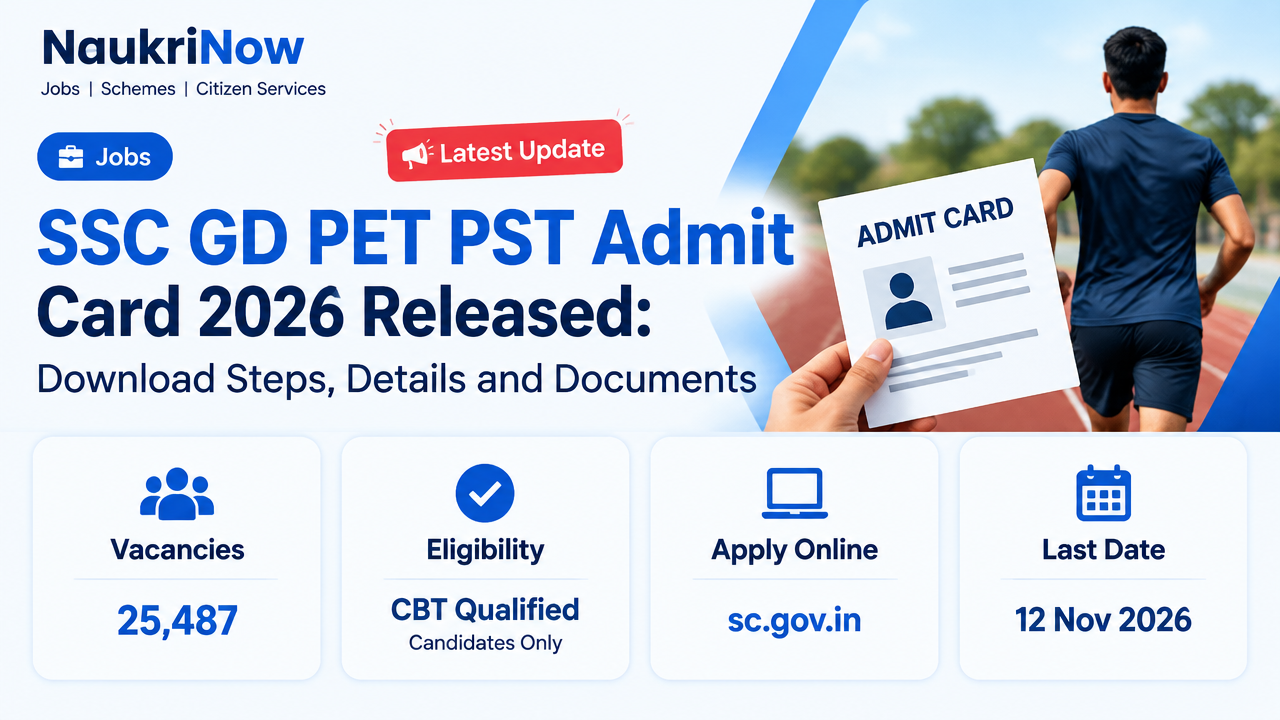
The SSC GD PET PST Admit card for 2026 was released online on 12 November 2026, according to the available recruitment update. Candidates who qualified in the Computer-Based Examination can use their registration number or roll number and date of birth or password to access the call letter. The admit card gives candidate-specific information for the Physical Efficiency Test (PET) and Physical Standard Test (PST), including the test venue, date and reporting time. Check those details on your own call letter before making arrangements to attend.
This guide explains where to look for the admit-card link, what login information to prepare, how to check the downloaded document and which document requirements to review. The available information does not provide one common PET/PST schedule for every candidate. The date, time and centre printed on an individual call letter should therefore be used for that candidate’s test.
SSC GD PET PST Admit Card 2026: Overview
The call letter relates to the physical assessment stage of SSC GD recruitment. Use the table below for the key details available about this release. For candidate-specific information, refer to the admit card itself and the instructions published through official SSC channels.
| Particular | Details |
|---|---|
| Recruiting organisation | Staff Selection Commission (SSC) |
| Posts | Constable (GD) and Rifleman (GD) |
| Recruitment year | SSC GD 2026 |
| Total vacancies | 25,487 |
| Stage | Physical Efficiency Test (PET) and Physical Standard Test (PST) |
| Admit card release date | 12 November 2026 |
| Availability | Online |
| Who can access it | Candidates who qualified in the Computer-Based Examination |
| Login details | Registration number or roll number, and date of birth or password |
| Official website | ssc.gov.in |
The overview is not a substitute for the details on your own call letter. In particular, do not assume that another candidate’s test date, reporting time or venue applies to you. Use the schedule printed on your document, and check the full instructions accompanying it.
How to Download SSC GD PET PST Admit Card 2026
The admit card is available online through SSC and the relevant regional admit-card portal. Keep your login information ready before opening the page. The registration number or roll number may be used with the date of birth or password, as indicated by the login page. Follow the options shown on the official page rather than entering personal details on an unrelated website.
| Step | What to do |
|---|---|
| 1 | Visit the official SSC website. |
| 2 | Open the Admit Card section and select the relevant regional SSC website. |
| 3 | Look for the SSC GD PET/PST Admit Card 2026 link. |
| 4 | Enter your registration number or roll number and date of birth or password as requested. |
| 5 | Submit the details and open the call letter displayed for your record. |
| 6 | Review the document, download it and print a copy to keep for the test day. |
If the regional page presents more than one link, read the link text carefully and select the one for the SSC GD PET/PST call letter. Check that the page is an official SSC or regional portal before entering credentials. The official SSC site is ssc.gov.in, and the regional admit-card page provided for this recruitment update is available here.
Before you start the download
Have the required login details to hand and allow enough time to read the call letter after it opens. If you are unsure which number to enter, check your recruitment records for the registration number or roll number and use the option requested by the portal. Enter your date of birth or password accurately. Do not share your password or other login details with people or websites that are not part of the official process.
After downloading, save the document somewhere you can find it again and check that the file opens clearly. Print a legible copy, then compare the printed page with the electronic version. If any part is missing, unreadable or appears inconsistent with your records, consult the official SSC channel for guidance rather than editing the file yourself.
Details Mentioned on the SSC GD PET PST Admit Card 2026
Read the entire call letter, including the instructions, not only the date and centre. Compare the details with your own application and identity information. The following are the key items to check:
- Name, photograph and signature: Check that the personal details and images shown on the call letter correspond to you and are visible on the printed copy.
- Roll number and registration or application number: Confirm that the identifiers match your recruitment records.
- PET/PST date and reporting time: Note the schedule printed for you. Do not rely on a date or time shared by another candidate.
- Test centre name and address: Read the location carefully and use the address on your own document when planning your journey.
- Candidate instructions: Review the complete directions and any specific requirements about documents or reporting.
Checking these details early gives you time to seek help if something appears wrong or unclear. If you notice an error, contact the concerned authority through the official SSC website as soon as possible. Provide the information requested by the official channel, but do not change the downloaded admit card yourself and do not assume that a discrepancy will be accepted at the centre.
Documents Required for SSC GD PET/PST 2026
Prepare the documents listed in your admit card and the applicable official instructions. The available recruitment information identifies the following as applicable requirements:
- A printed copy of the SSC GD PET/PST admit card.
- An original, valid photo identity document.
- Certificates needed to support a category claim or other applicable relaxation.
- Any additional documents specifically listed in the admit-card instructions.
The call letter is the place to check which photo ID documents are accepted and whether there are document-specific directions. The available information does not name a particular identity document, so check the official instructions rather than assuming that a specific card will be accepted. Similarly, carry certificates for a claim or relaxation only as applicable to your circumstances and follow the requirements stated by SSC.
Before leaving, compare the items you have gathered with the call letter’s instructions. Keep the printed admit card and original ID together so that they are easy to locate when required. If the instructions list further documents, include them. If a requirement is unclear, use official SSC channels to seek clarification instead of relying on unverified advice.
Before You Leave for the Test Centre
A little preparation can help you avoid relying on incomplete or second-hand information. Use this checklist after downloading your SSC GD PET PST Admit card:
- Read all pages and instructions on the call letter, including any notes about reporting and documents.
- Confirm your own test date, reporting time, centre name and address.
- Check that the printed copy is legible and that your photograph, signature and details can be seen.
- Use the centre address printed on your call letter when planning your journey; another candidate may have a different venue.
- Keep your original valid photo ID and any applicable certificates with the printed call letter.
- Check again for any additional documents specifically required by the official instructions.
- Keep your login details private and use official pages if you need to retrieve the call letter again.
Do not treat a general recruitment update as a replacement for your own schedule. The available information does not specify one PET/PST date for all candidates. Your individual call letter is the relevant source for your date, reporting time and test centre. If any of these details are difficult to read or appear inconsistent, contact the concerned authority through official SSC channels before attending.
Common Download and Reporting Problems
If you encounter a problem, first identify whether it concerns login, finding the correct link, the document itself or the schedule. Use the table as a basic troubleshooting guide, and rely on the official portal for any candidate-specific resolution.
| Problem | What to do |
|---|---|
| Login is not accepted | Carefully re-enter the registration number or roll number and date of birth or password. Check that you are using the details requested by the portal and that they match your records. |
| The admit-card link is difficult to find | Open the Admit Card section on SSC’s official website and select the relevant regional portal. Look for the SSC GD PET/PST 2026 link. |
| The downloaded document does not open clearly | Try opening the official download again and check the document before printing. Do not rely on an incomplete or unreadable copy. |
| Personal details appear incorrect | Contact the concerned authority through official SSC channels as soon as possible. Do not alter the admit card yourself. |
| The test date or reporting time is unclear | Refer to your individual call letter and its instructions. Do not assume another candidate’s schedule applies to you. |
| The centre address is unclear | Recheck the address printed on your own call letter and consult the official source if you need clarification. |
For a page that does not load, check that you have opened the official SSC or regional portal and carefully retry the relevant link. If your credentials continue to be rejected, verify them against your records and use the official route for assistance. Avoid third-party pages that ask for your login details or claim to change information on your behalf.
What to Know About the PET/PST Stage
The PET/PST call letter is for candidates who qualified in the Computer-Based Examination. The available information identifies the next stage as the Physical Efficiency Test and Physical Standard Test, but it does not provide a single date, reporting time or centre that applies to everyone. Those details should be read from each candidate’s own admit card.
Use the call letter to confirm where and when you are expected to report and what documents you must bring. Follow the instructions issued by SSC for your test. This article does not set out physical-test measurements, event requirements or other assessment rules, because those details are not included in the available recruitment information. Check the official instructions for any such information relevant to you.
Why You Should Use Official SSC Information
Admit-card links, candidate-specific schedules and instructions should be checked through official SSC or regional pages. A forwarded message or another candidate’s call letter cannot confirm your own venue or reporting time. Start from the SSC website or use the regional admit-card link provided below, and make sure that the document displayed is your own before saving or printing it.
If you need to contact an authority about an incorrect detail or a download issue, use the official website to identify the appropriate channel. Keep your own application information available when making an enquiry, but do not post login credentials publicly. Do not make changes to the call letter or depend on an unofficial promise that a discrepancy will be accepted.
SSC GD PET PST Admit Card 2026: FAQs
Q1. When was the SSC GD PET PST Admit Card 2026 released?
The available recruitment update gives 12 November 2026 as the release date. The call letter is available online through SSC and the relevant regional portal.
Q2. How can I download the SSC GD PET PST Admit Card 2026?
Visit the official SSC website, open the Admit Card section and select the relevant regional portal. Find the SSC GD PET/PST 2026 link, then log in using your registration number or roll number and date of birth or password. Open, check, download and print your call letter.
Q3. What is the SSC GD PET/PST 2026 date?
The available information does not state one common date for every candidate. Your individual test date and reporting time are shown on your own admit card. Check that document for your schedule.
Q4. What details are required to download the SSC GD physical test admit card?
Use your registration number or roll number together with your date of birth or password, as requested by the login page. Enter the details carefully and use the official SSC or regional portal.
Q5. Is the SSC GD PET PST Admit Card 2026 mandatory?
The recruitment information instructs candidates to carry a printed copy of the admit card to the physical test. Follow the directions on your own call letter and bring any additional documents it specifies.
Which details should I check after downloading the call letter?
Check your name, photograph, signature, roll number and registration or application number. Also confirm the PET/PST date, reporting time, test centre name and address, and all candidate instructions.
Which documents should I take to the PET/PST centre?
Carry the printed admit card, an original valid photo ID, certificates needed for any applicable category claim or relaxation, and any other documents listed in the official instructions. Check the call letter for the accepted ID and any specific document requirements.
What should I do if there is a mistake on my admit card?
Contact the concerned authority through the official SSC website as soon as possible. Do not edit the downloaded document yourself, and do not assume that an incorrect detail will be accepted at the centre.
What should I do if I cannot find the admit-card link?
Open the Admit Card section on the official SSC website and select the relevant regional portal. Look for the SSC GD PET/PST Admit Card 2026 link. Use official pages only when entering your login details.
Final Takeaway
The SSC GD PET PST Admit Card 2026 was released online on 12 November 2026 for candidates who qualified in the Computer-Based Examination. Access it through SSC or the relevant regional portal using your registration number or roll number and date of birth or password. Once it opens, check your personal details, test date, reporting time, centre and instructions. Print the call letter and prepare the original photo ID, applicable certificates and any other documents specified for you. For download problems, schedule questions or corrections, rely on official SSC information rather than unverified posts.
Official Links
| Resource | Link |
|---|---|
| SSC official website | https://ssc.gov.in/ |
| Regional admit-card portal | Open the SSC regional admit-card page |
Comments