Table of ContentsClick to view all sections
- Why the admit card matters
- Admit Card Download: step-by-step checklist
- Check the release notice and document type
- Sign-in details, privacy and account recovery
- What to verify on your admit card
- How to handle an error or discrepancy
- Common technical problems and practical next steps
- Advantages & Limitations
- Prepare your document, identification and journey
- Exam-day document and travel checklist
- Common mistakes to avoid
- Final takeaway
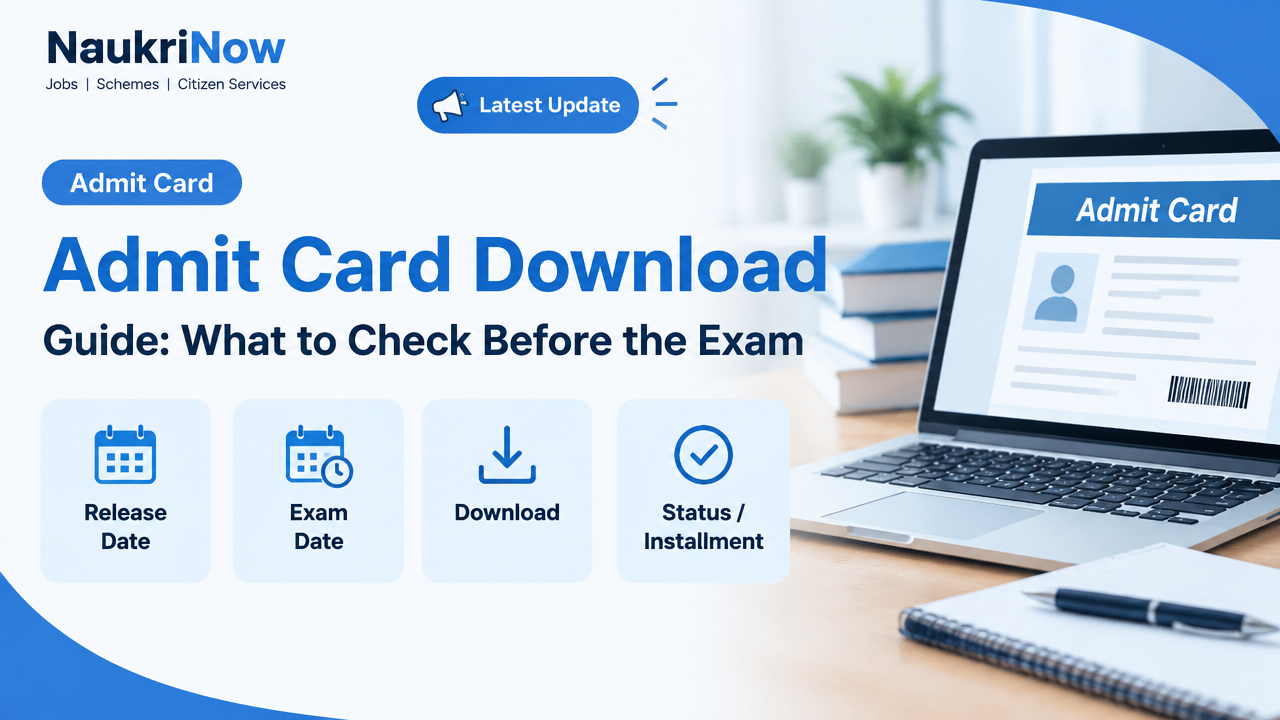
An Admit Card Download is more than a last-minute formality: your hall ticket may contain your exam date, session, venue and entry instructions. Use the recruiting body’s official website or the exam portal named in its notification, then check the document carefully before you travel. Requirements differ by exam, so the current official notice and your admit card take priority over general advice.
This guide explains how to find the right portal, retrieve and save your hall ticket, check its details and respond to common problems. It also covers the practical limits of general guidance: only the exam authority can confirm the rules for your particular exam. Read the instructions that apply to your recruitment cycle, paper or stage, rather than relying on a different exam’s process. A careful Admit Card Download begins with confirming that the portal and notice match your exam.
Why the admit card matters
An admit card, call letter or e-admission certificate is an exam-specific document. The name used can vary by authority, but the document and accompanying instructions tell you what applies to your exam. It can identify the exam or stage, show the date and session, state the venue and provide reporting or entry directions. Not every card displays every detail, so review the document you receive rather than assuming it will match another candidate’s.
It is useful to treat the card as both a record to verify and a set of instructions to follow. A small mismatch in a name, exam stage, date or centre may need attention. A clear-looking card is not a reason to skip the instructions: requirements for identification, printouts, photographs and permitted items can differ. Check the relevant official notice as well as the card, especially where one document refers to another or gives additional directions.
Admit Card Download: step-by-step checklist
For an Admit Card Download, follow these steps on the official website or portal named by the exam authority. Labels and screen layouts can change, so use the current page and notice rather than expecting every portal to look the same.
| Step | Action | What to watch for |
|---|---|---|
| 1. Find the correct portal | Open the official website of the exam authority or the exam portal identified in its notification. Look for the admit card, call letter or e-admission certificate notice for your exact exam. | Check the exam name, post and recruitment cycle. Avoid lookalike websites and unofficial download links. |
| 2. Read the release notice | Check whether the authority has announced that the document is available, and read any stated download window or related instructions. | Confirm that the notice applies to your exam and stage. Do not infer a release date from another exam. |
| 3. Identify the right document | Read the notice to see whether the available document is the admit card, a city-intimation slip or another update. | A city slip, if issued, may not be the admit card. Follow the authority’s description of each document. |
| 4. Sign in | Enter the credentials requested on the official page. These may include an application or registration number and a password, date of birth or other verification information. | Use the fields and format specified by that portal. Do not share passwords or one-time codes with anyone. |
| 5. Open and save the file | Open the available document, confirm that it belongs to you and save a copy somewhere you can access offline. | Check that the file opens and that text, photograph and other printed information are readable. |
| 6. Prepare using the instructions | Review the card and current notice, arrange any required printout and permitted identification, and plan your route to the venue. | Use the reporting time and entry rules for your specific exam, not assumptions based on another exam. |
If a page has several notices or links, slow down long enough to identify the correct exam and cycle before entering personal details. A link that mentions a different stage or recruitment is not a substitute for the document you need. If you cannot tell which notice applies, return to the authority’s main site and check its exam-specific information before proceeding.
Check the release notice and document type
Before starting your Admit Card Download, confirm that the authority has actually announced the release. A portal may show a notice for a different exam, a different stage or a separate information document. Verify the exam name, post or recruitment cycle stated in the notice and compare it with your application. If the notice gives instructions about a download period, follow the dates and directions stated there.
Do not treat every exam-related document as interchangeable. A city-intimation slip may give information about an exam city, while an admit card may carry entry instructions and other details; the authority’s notice determines the purpose of each document. Similarly, an application confirmation page may record that an application was submitted but may not be the document required for entry. If the notice says another document will be issued, follow that instruction and check the portal again as directed.
General guides cannot establish whether a particular authority has released a card or which document a centre will accept. Confirm those points from the current official notice. If there is uncertainty, use the authority’s published contact route rather than relying on a social-media post, an old notice or an unofficial message.
Sign-in details, privacy and account recovery
Portals decide which details are needed to retrieve a hall ticket. A sign-in page may ask for an application or registration number together with a password, date of birth or another verification detail. Enter information only on the official portal and follow the field labels and date format shown there. Do not assume that credentials used on another exam portal will work.
If your details are rejected, check carefully for typing errors, spaces, character substitutions and date-format mistakes. Make sure you are on the page for the correct exam and recruitment cycle before trying again. If the portal provides a forgot-password or registration-number recovery option, use that official facility and follow its directions. If no recovery option is shown, look for guidance in the notice or use the authority’s official contact channel.
When a registration number is missing, search the application confirmation and messages received from the authority. Keep the information you need to explain the issue available when contacting official support, but do not post personal details in public forums. Never share passwords or one-time codes with unofficial agents or people offering to retrieve a card. An official process is the safer way to handle account access and personal application information.
What to verify on your admit card
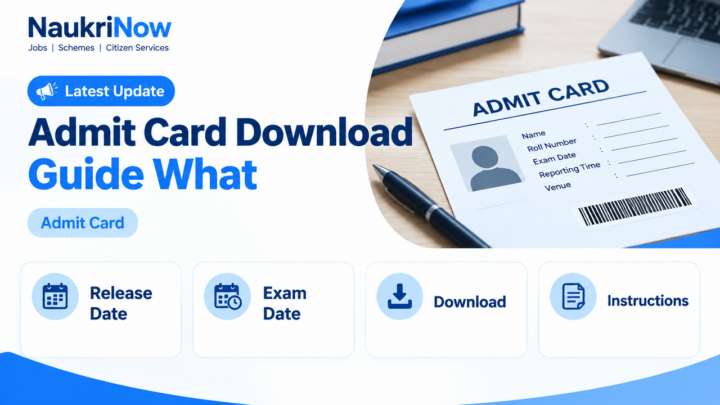
Compare the card with your application and the official exam notice. Not every hall ticket displays every item below; check what is printed and report a material error promptly. Read the entire document, including any instructions that appear below the main candidate details or on another page of the same file.
| Detail | How to check it | If something looks wrong |
|---|---|---|
| Candidate information | Review your name and any other personal details shown. Check the photograph and signature, if included. | Contact the exam authority through the official contact route in the notice or portal. Keep your application details available. |
| Exam identification | Confirm the exam, recruitment or post name and any paper or stage stated on the card. | Do not rely on a card for a different exam or stage. Verify the correct notification and portal. |
| Date and session | Check the exam date, shift or session, and reporting or gate-closing time if shown. | Record the timings exactly. Do not confuse reporting time with the exam start time. |
| Venue | Read the centre name and full address. Check any venue-specific instructions. | Look up the journey in advance and allow for delays. If the address is unclear, ask the authority using its official channel. |
| Entry instructions | Read the rules about the admit card, identification, photographs, permitted items and any other required documents. | Follow the instructions for this exam; allowed items and document requirements can vary. |
Check legibility as well as accuracy. Make sure that the document opens, that the relevant text is visible and that the photograph or signature, if present, can be seen. If you plan to print it, inspect the print rather than assuming the file displayed correctly on screen. Keep the saved file unchanged; if something is wrong, ask the authority how to proceed instead of editing the document yourself.
How to handle an error or discrepancy
If a personal detail, exam stage, date, session or venue appears incorrect, contact the authority as soon as you notice it. Use the official contact route in the portal or notice, explain the discrepancy clearly and follow the response or correction instructions provided. Do not alter the PDF, write over the printed details or assume that a change can be made at the centre.
Keep a record of the issue and any communication you have with the authority. Have your application information available when you make an enquiry, but share it only through an appropriate official channel. If the concern is about an unclear address or an entry requirement rather than a personal-data error, ask a specific question and refer to the relevant wording on the card or notice.
Do not wait until the journey to the venue to raise an obvious problem. The authority’s process and response time can vary, and a general article cannot promise a correction or a particular outcome. Promptly reporting a discrepancy gives you more time to receive and follow the instructions that apply to your case.
Common technical problems and practical next steps
| Problem | Practical next step |
|---|---|
| The admit card is not available | Check whether the authority has announced its release and confirm that you are viewing the correct exam and recruitment cycle. If the notice says it should be available, follow the portal’s stated support process. |
| Login details are not accepted | Re-enter the information using the requested format and check for typing or date-format errors. Use the official forgot-registration or password recovery option if one is provided. |
| You cannot find your registration number | Search your application confirmation and messages from the authority. If available, use the official recovery facility. Do not post personal information on public forums. |
| The page will not load | Check your internet connection and try again later if the portal is busy. You can try another browser or device, then return to the official portal rather than searching for a third-party copy. |
| The file will not open | Save the file again from the official portal if possible and try a PDF reader or another device. Check whether the download completed. Avoid files from unofficial sites. |
| A detail is incorrect or the print is unclear | Save the file and contact the exam authority promptly using the official contact details. Keep a record of the issue and follow any correction instructions it provides. |
If your Admit Card Download is affected by a portal problem, repeated rapid attempts may not help. Check the notice for any guidance, wait and try again, and use another browser or device if practical. These are general troubleshooting steps, not a guarantee that a portal problem will be resolved in a particular way. Continue to use the official site, and do not give account details to someone claiming that an unofficial download link is faster.
Advantages & Limitations
| Pros | Cons |
|---|---|
| Online access lets you retrieve the exam document through the authority’s portal and save a copy for offline review. | Retrieval depends on the official portal and the process specified by the authority; a busy or unavailable page can delay access. |
| A saved document lets you review the details at your own pace and may help you notice a discrepancy before travel day. | You must identify the correct exam and notice; opening the wrong document or assuming another exam’s rules apply can cause confusion. |
| You can use the card’s information to prepare a printout if required and plan your journey to the venue. | A downloaded document does not replace the exam’s instructions, and a city slip or application confirmation is not automatically equivalent to an admit card. |
Use online access as a practical way to obtain and review the document, not as a reason to skip verification. Save the file somewhere accessible, check the printed version if one is required and confirm any uncertainty through official instructions. The authority’s current notice remains the source for the requirements of your exam.
Prepare your document, identification and journey
Once you have checked the hall ticket, use its instructions to make a simple exam-day plan. Confirm the venue address, reporting time and any stated gate-closing time. Look up the route in advance and allow time for travel and any entry checks. If the address is unclear, ask the authority through its official channel rather than guessing which location is intended.
Check whether the instructions require a printed admit card and, if so, what format or number of copies to bring. Make sure any printout is complete and legible. Do not assume a phone copy will be accepted if the notice asks for a printout. Likewise, do not print an application confirmation and treat it as the hall ticket unless the authority expressly says that document is required for entry.
Identify the permitted identity document from the current instructions and make sure you can bring it. Carry a photograph or additional supporting document only if required. Review the rules for stationery, electronic devices and personal belongings; a list from another exam may not apply. If the card and a general guide differ, confirm the requirement with the authority before exam day.
Exam-day document and travel checklist
| Before leaving | Check |
|---|---|
| Admit card | Carry the format and number of copies specified in the exam instructions. Confirm the print is complete and legible if a printout is required. |
| Identification | Bring the identity document specified by the authority. Check that the details and photograph are suitable for verification. |
| Additional items | Carry a photograph or other supporting document only if the current instructions require it. Check rules for stationery, electronic devices and personal belongings. |
| Journey plan | Verify the venue address, route and reporting time. Leave enough time for travel and any entry checks. |
| Instructions | Review the card and current notice once more, especially entry rules and any venue-specific directions. |
Important: A list of commonly used documents is not a substitute for the exam’s instructions. If the admit card and a general guide differ, confirm the requirement with the exam authority before exam day.
Common mistakes to avoid
- Downloading a card from a search result or third-party site instead of the official exam portal.
- Assuming a notice for a different post, recruitment cycle or stage applies to your exam.
- Checking only your name and overlooking the date, session, centre or reporting time.
- Assuming a city slip, application receipt or confirmation page is the admit card.
- Waiting until the day before the exam to retrieve, print or check the document.
- Bringing documents or items based on another exam’s rules rather than checking current instructions.
- Sharing login credentials or personal application information with unofficial agents or in public forums.
- Changing the downloaded document yourself instead of contacting the exam authority about an error.
- Confusing the reporting time with the exam start time when both are shown.
Most of these mistakes can be avoided by checking the exam name and cycle before signing in, reading the complete notice and reviewing the card as soon as it becomes available. Keep the authority’s instructions together with your saved document so you can refer to them when preparing for travel.
Frequently Asked Questions
Where should I download my admit card?
Use the official website of the recruiting or exam authority, or the exam portal named in its notification. Confirm that the page relates to your exact exam, post and recruitment cycle before entering your credentials.
What information do I need to sign in?
The portal decides which credentials are required. It may ask for an application or registration number and another verification detail. Follow the fields and format shown on the official page; requirements can differ between portals.
What should I do if I forget my registration number?
Check your application confirmation and messages from the authority. If the official portal offers registration-number recovery, use that facility. Contact the authority through its published official channel if you still cannot retrieve it. Avoid sharing personal information publicly.
Is an exam-city slip the same as an admit card?
Not necessarily. Some authorities issue separate documents or updates. Read the relevant notice to confirm what each document is for, which document permits entry and whether another hall ticket must be downloaded.
What if there is an error on my admit card?
Contact the exam authority as soon as possible using the official contact route in the notice or portal. Explain the discrepancy and follow its directions. Do not alter the downloaded document yourself or assume that the issue can be resolved at the venue.
Do I need to print the admit card?
Check the instructions for your exam. If a printed copy is required, use the specified format and make sure it is complete and readable. Do not assume that a phone copy will be accepted.
Which ID proof should I carry?
Use the identity document specified in the current exam instructions. Requirements can differ, so verify the accepted document and any supporting items before travelling.
Can I enter the exam centre with an application confirmation page?
Do not assume so. Check the official instructions to identify the document required for entry. An application confirmation and an admit card may serve different purposes.
What should I do if the portal is not working?
Check your connection, try again later and, if practical, use another browser or device. Confirm that you are using the official portal. If the release notice says the document should be available and the problem continues, follow the authority’s stated support process.
When should I check the card?
Check it as soon as it is available so you have time to review the details and raise any material discrepancy through the official process. Also review the instructions again while preparing for the exam.
Final takeaway
Complete your Admit Card Download from the exam authority’s official portal, save a readable copy and verify every printed detail as soon as it is available. Resolve errors through the authority’s official process, and use the admit card and current notice to decide what to carry, where to go and when to report. Your exam-specific instructions—not a general checklist—should guide your final preparations.


Comments