Table of ContentsClick to view all sections
- What is a City Intimation Slip?
- City intimation slip vs. admit card
- Before you check: a quick checklist
- How to check your City Intimation Slip
- How to read the details
- Plan travel without getting ahead of the official details
- If the slip is missing or something looks wrong
- Common mistakes to avoid
- Examples: what the slip can and cannot tell you
- Conclusion
A City Intimation Slip can help you plan for an examination by telling you the city assigned for your test. It is useful for arranging travel and accommodation, but it is not always the document that confirms your exam centre, reporting time or entry requirements. Those details may appear later on an admit card, or be communicated through another official notice.
Because each examination authority follows its own process, there is no single release schedule, portal or format for every city slip. Use the instructions issued by the body conducting your exam, and treat unofficial posts or messages as leads to verify—not as final information. This guide explains how to check a city intimation notice, read it carefully and prepare for the next steps.
What is a City Intimation Slip?
A city intimation slip is a notice that tells a candidate the city associated with their examination. Depending on the exam, it may be a downloadable document in the candidate login, a notice on the official website or an update communicated through another channel named by the exam authority.
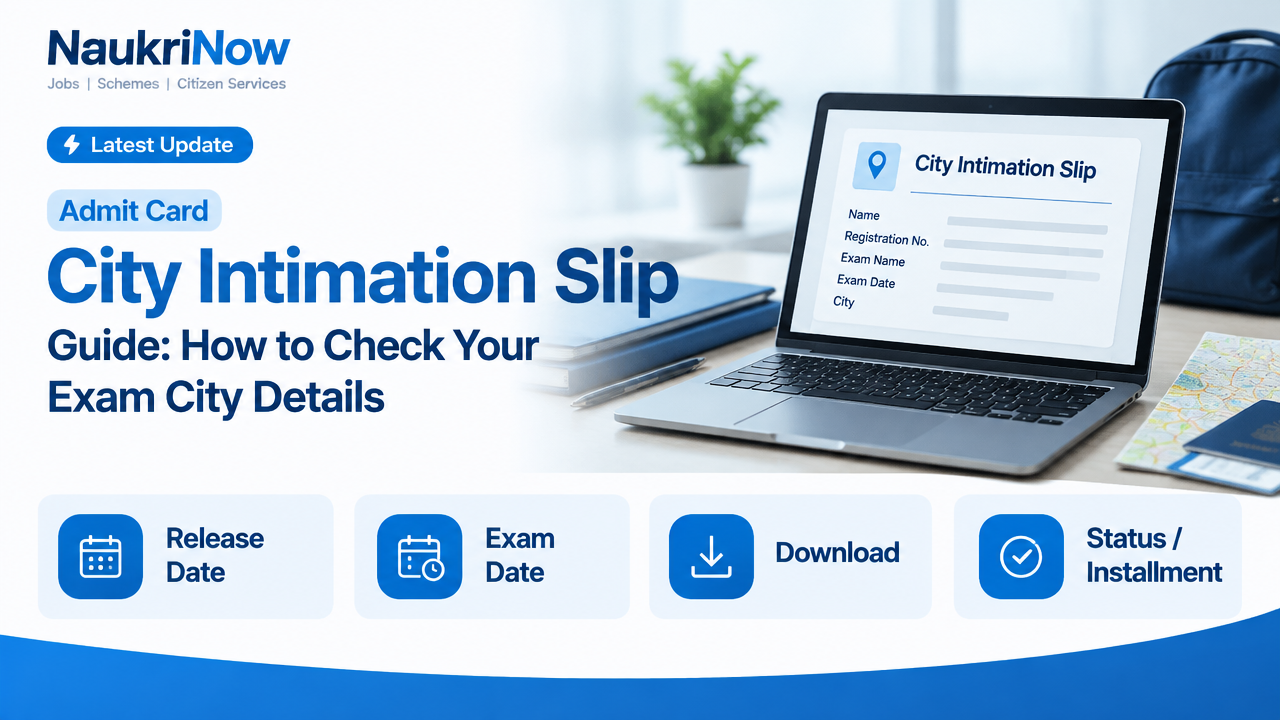
The information shown varies. A slip may include a candidate’s name, application or registration number, exam name, paper or session, exam date, assigned city and instructions about downloading the admit card. It may show only some of these details. Read the document and the accompanying official notice rather than assuming every exam uses the same format.
Most importantly, a city is not necessarily a test centre. A city slip may identify the city in which you are expected to appear without giving the centre’s full address. The exact venue and other entry details may be provided separately.
City intimation slip vs. admit card
These documents can serve different purposes. A city intimation slip generally provides advance information about the examination city. An admit card or hall ticket is normally the document candidates use for exam-day instructions and entry, subject to the authority’s rules.
- City intimation slip: May help you identify the assigned city and prepare for travel. It may not include the full venue address or all exam-day instructions.
- Admit card: May provide the centre address, reporting time, candidate details and instructions. The exact contents and entry requirements depend on the examination authority.
Do not rely on a city slip as a substitute for an admit card unless the official instructions explicitly say that it is the required entry document. Check the latest notices for both documents, and follow the instructions issued for your exam.
Before you check: a quick checklist
- Keep your application or registration number and any other login details used when you applied.
- Use the website of the exam-conducting body, reached through its official homepage or a notice you can verify there.
- Have access to the email address or mobile number linked to your application in case the portal requires verification.
- Use a private device and a secure connection where possible. Avoid entering personal details on links sent by unknown accounts.
- Check the exam name, paper or session carefully if you have applied for more than one test.
How to check your City Intimation Slip
- Find the responsible authority. Confirm which organisation is conducting your particular examination. The exam name, year or cycle and application confirmation can help distinguish it from similarly named tests.
- Open the official website directly. Use the authority’s official homepage, then look for a candidate login, examination notice or link for city information. A search result or message may be outdated or may lead to a lookalike site, so verify the destination before signing in.
- Read the notice before using the login. Check that it applies to your exam and candidate group. The notice should explain what information is available, how to access it and whether a separate admit card or further update is expected.
- Sign in using the details requested by the official portal. Enter your credentials carefully. Do not share a password or one-time verification code with anyone who contacts you claiming to be an agent or official.
- Open the relevant document or status page. If the portal offers a download, save the file to a device you can access again. If it displays details on screen, follow the authority’s directions on whether a printout is needed.
- Check every visible detail. Compare your name and application number with your submitted form. Review the exam, paper or session, assigned city and any instructions. If there is a mismatch, use the correction or query process stated in the official notice.
- Save a copy and keep checking official updates. Store the file securely and note where it is saved. A city notice does not necessarily contain the final centre address, so look out for the admit card and any later instructions.
How to read the details
Start by confirming that the notice belongs to the correct examination and application. A similar exam name or an old cycle can be easy to mistake for the current one. Check that the candidate identifier matches your records, and confirm the relevant paper, shift or session if the exam has more than one.
Next, read the city field exactly as shown. It may refer to an assigned examination city, not a particular neighbourhood or building. Do not choose a travel destination based on a guess about where the test centre will be. Wait for the document that gives the centre address before planning the final route.
Read footnotes, symbols and instructions too. A notice may explain what it does and does not confirm, or direct candidates to another page for updates. If the city differs from a preference you selected during registration, do not assume that a change is possible or that a correction window is open. Check the authority’s stated process and deadlines, if any.
Plan travel without getting ahead of the official details
Once you know the assigned city, you can start checking broad travel options. Consider journey duration, likely arrival time, local transport and whether you may need accommodation. If travel is necessary, leave enough margin for disruption rather than planning to arrive just before the exam.
Before making a non-refundable booking, check whether you have enough information to do so. A city assignment alone may not establish the centre’s location or the time you must report. The admit card or official exam instructions are usually a better basis for final arrangements. Keep a record of bookings and allow time to adjust if the venue or instructions are updated by the authority.
For a long journey, think through a backup plan: an alternative route, extra travel time or a safe place to wait if you arrive early. These are practical precautions, not a substitute for checking official reporting instructions.
If the slip is missing or something looks wrong
A missing link does not by itself prove that your application has a problem. The authority may not have published the information for your exam or candidate group, the portal may be experiencing heavy traffic, or the document may be available through a different official page. First, check the exam authority’s latest notices and confirm that you are using the correct login.
If the portal is slow, try again later or use a different browser or device. Check that your internet connection is stable, enter your credentials exactly as registered and use the password recovery option only on the official site. Avoid repeated attempts if the portal warns that your account may be locked.
If your name, application number or other personal detail appears incorrect, save a copy or screenshot for your records. Then follow the correction or candidate-support instructions published by the responsible authority. Contact details and remedies vary between exams; use only the contact route provided in an official notice or on the official website. Do not post your application number, date of birth, password or other sensitive details publicly.
Common mistakes to avoid
- Confusing the city with the centre: A city does not tell you the full venue address. Wait for the official document that specifies the centre.
- Assuming a slip is an entry pass: Check whether you must also download an admit card and what documents the exam requires.
- Trusting a forwarded link without checking it: Navigate from the exam authority’s official homepage and verify the page before entering credentials.
- Waiting only for a text message: Messages can be delayed or missed. Check official notices and your candidate login as directed by the authority.
- Overlooking the exam cycle or session: Confirm that the document relates to your application and the correct paper or shift.
- Sharing login details: Do not disclose passwords or verification codes to callers, agents or social-media accounts.
- Booking travel on assumptions: Plan with the information available, but confirm the venue and reporting requirements before making final arrangements where possible.
Examples: what the slip can and cannot tell you
Example 1: The slip names a city but no building. You can use the city to consider broad travel options, but you cannot identify the test venue from that information alone. Check for the admit card or another official venue notice before mapping the final route.
Example 2: The assigned city differs from your preference. A preference entered on an application is not necessarily a guarantee of allocation. Look for an official explanation and any stated remedy. Do not rely on an unofficial promise that the location can be changed.
Example 3: A friend has received a link but you have not. Candidates can see updates at different times, or the link may not apply to your exam. Check the responsible authority’s notice and your own login rather than using someone else’s credentials.
Example 4: Your application details look correct, but the centre is not shown. That may simply mean the city notice does not include the venue. Keep the document and check official updates for the separate centre details and exam-day instructions.
Frequently Asked Questions
Is a City Intimation Slip the same as an admit card?
No. A city slip may identify the assigned city, while an admit card may provide the centre and exam-day instructions. The documents and their purpose can vary, so follow the rules for your specific examination.
Does the city slip show my exact exam centre?
Not necessarily. Some notices provide a city only. Check the admit card or another official communication for the complete venue address and directions.
Where should I download my slip?
Use the official website or candidate portal named by the organisation conducting your exam. Verify the exam cycle and notice before entering your login details.
What if I cannot find the download link?
Check the latest official notices, confirm that you are using the right candidate login and try again later if the portal is slow. If the issue continues, follow the support process published by the authority.
Can I change the city shown on my slip?
Do not assume a change is possible. Any correction or grievance process depends on the exam authority’s rules and instructions. Check the official notice for the available options and applicable conditions.
Should I book travel as soon as the city is announced?
You can research routes, but consider waiting for the centre address and reporting instructions before making non-refundable bookings. If you must book early, allow for the possibility that the venue may be elsewhere within the city.
Do I need to print the city slip?
Follow the instructions for your exam. A city slip may be for advance information and may not be required at the venue, while an admit card may have separate printing requirements.
Conclusion
Use a City Intimation Slip as an early planning aid, not as a replacement for exam-day instructions. Verify it through the responsible exam authority, check that it matches your application and understand what the city information does—and does not—confirm. For the latest release status, corrections, centre address, entry documents and travel-related instructions, rely on official notices and your candidate login.






Comments