Table of ContentsClick to view all sections
- RRB Result Guide: Start with the right recruitment and result stage
- Where to check an RRB result
- How to check your RRB result: a practical checklist
- How to read result lists, scorecards and cut-offs
- If your roll number is not on the list
- What to do after being shortlisted
- Common mistakes to avoid
- Useful examples
- Conclusion
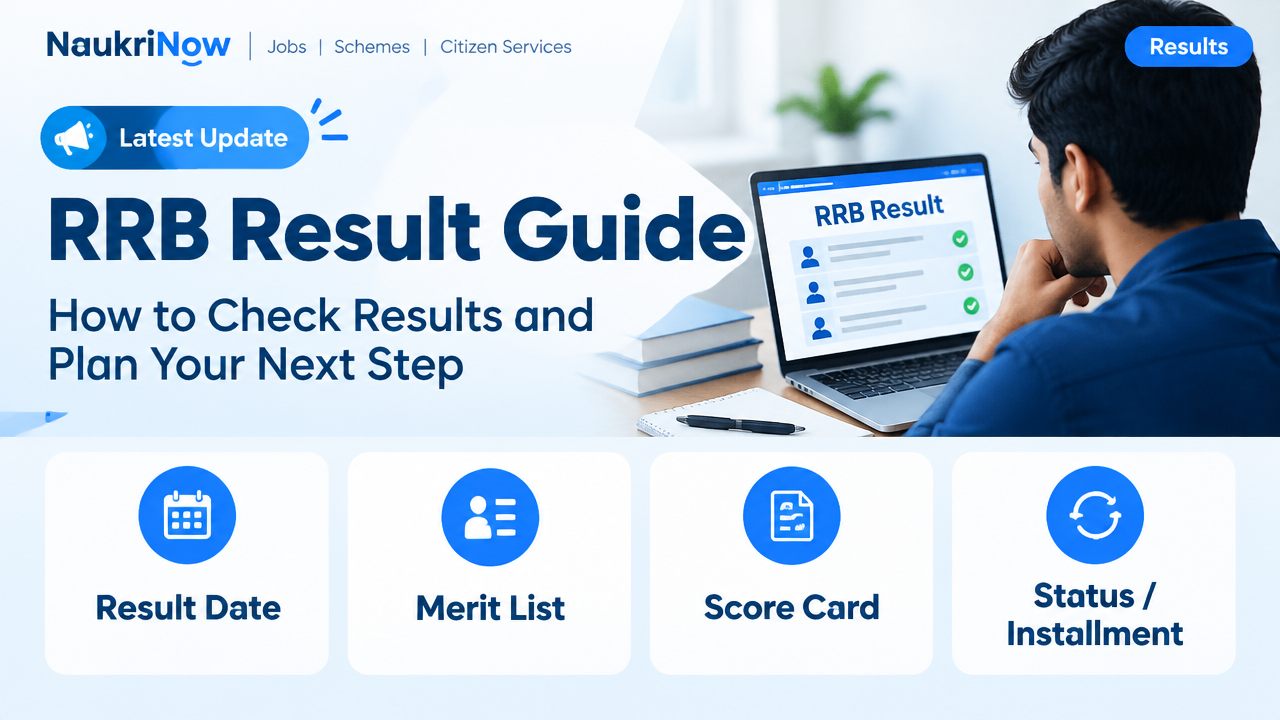
RRB Result Guide — this guide explains the latest verified details, eligibility, benefits, application or status steps, and official resources relevant to this topic.
Waiting for an RRB result can be stressful, especially when several notices, lists and scorecards appear during a recruitment process. The safest approach is to identify the exact recruitment and stage, check the official Railway Recruitment Board (RRB) source named in your notification, and read the result notice in full before drawing conclusions.
This guide explains how to find and interpret an RRB result, what to do if your name or roll number is missing, and how to prepare for the next step. Recruitment processes and result formats can differ by post and notification, so use the latest official notice for current dates, rules, cut-offs and instructions.
RRB Result Guide: Start with the right recruitment and result stage
RRBs conduct recruitment for different railway posts, and a candidate may take part in more than one recruitment process. Before opening a result page, note the post or recruitment name, notification or advertisement number, application details and examination stage. A result for a different post, year or stage does not establish your status in the recruitment you applied for.
The selection process depends on the specific recruitment. It may include a computer-based test (CBT), a further test or assessment, document verification (DV), and a medical examination, where applicable. Not every post uses the same stages or sequence. A result notice should say which stage it covers and what action shortlisted candidates must take.
Where to check an RRB result
Use the official RRB website identified in your recruitment notification or application correspondence. If the notification directs candidates to an official centralised portal or a particular regional RRB, follow that instruction. RRB websites and recruitment arrangements can vary; do not assume that a result published on one board’s site applies to every candidate.
Search results, social media posts, coaching websites and forwarded messages may help you hear that a notice exists, but they are not authoritative confirmation. Open the relevant official source yourself and look for the notice, result link or candidate login associated with your recruitment. Check that the post, notification and stage match your application.
For current result status, publication dates, scorecard availability, cut-offs, correction procedures and next-stage instructions, rely only on the official notice or portal responsible for that recruitment. This guide does not report live result declarations or changing recruitment details.
How to check your RRB result: a practical checklist
- Gather your details. Keep your application or registration number, roll number, date of birth and relevant recruitment notice handy. You may need some of these to sign in or verify a result.
- Open the official source. Use the regional RRB or other portal specified in the notification. Check that the notice refers to your post, recruitment and examination stage.
- Read the notice before opening a list. Look for the result stage, the method used to identify shortlisted candidates, any category or eligibility notes, and instructions about scorecards or the next stage.
- Open the correct result document or login. Some notices may provide a PDF list; others may direct candidates to an individual login, or provide both. Follow the format stated in the official notice.
- Search carefully if the result is a PDF. Use the search function in your PDF reader with your roll number, then check the surrounding text and relevant page. Confirm every digit. If search does not find it, inspect the document visually or try a reliable PDF reader; scanned files may not support text search.
- Save the official notice and your result details. Download the document or save a copy for your records. Keep your scorecard and application information secure, and avoid sharing personal login details.
- Note the next action and deadline, if any. Follow only the instructions and schedule published by the responsible RRB. Make a reminder, and check the official source again for updates.
How to read result lists, scorecards and cut-offs
A result PDF and an individual scorecard serve different purposes. A PDF may list candidates selected or shortlisted for a particular stage, while a scorecard may show an individual’s marks or other result information. Neither format should be assumed to contain every detail. Read the explanation accompanying the document and use the format specified by the RRB.
Pay attention to the wording. “Shortlisted” or “provisionally eligible for the next stage” generally describes progression in the process, not a final appointment. A candidate may still need to complete further assessments, submit documents, meet applicable eligibility conditions or clear a medical examination. The precise meaning is determined by the recruitment notice.
A cut-off is a threshold associated with a particular stage or selection context. It may be presented by category, post, region or another basis specified in the notice. Do not compare two cut-offs unless they relate to the same recruitment, stage and stated basis. A minimum qualifying requirement, where one is stated, is not necessarily the same as the score needed to be shortlisted.
Some recruitment notices may describe normalisation or another method of calculating marks when examinations are held in multiple sessions. Do not calculate an adjusted score using a formula found on an unofficial site. Check the relevant notification and result notice for the method that applies, and use your official scorecard where one is provided.
If your roll number is not on the list
First make sure you are checking the right result. Confirm the post, notification, examination stage, region or board where applicable, and the exact list described in the notice. A candidate’s result may be available through a login rather than a public PDF, or a notice may cover only one stage or group.
Next, compare the roll number carefully with your admit card or application record. Watch for similar digits and avoid relying on a cropped screenshot or a list reposted on another website. If the correct official list does not contain your roll number and the notice provides no other route for checking, follow the official instructions for your status. Do not assume that an unrelated list or unofficial prediction changes the result.
If something appears inconsistent—for example, your login and a published notice seem to show different information—save the relevant official documents and follow the contact or representation process, if any, stated in the recruitment notice. Use only the official channel identified there. Do not send identity documents or sensitive information to an address or phone number found in an unverified message.
What to do after being shortlisted
Read the next-stage instructions from beginning to end. Check what the RRB asks you to bring, upload or complete, and whether it specifies document formats, originals, copies or a reporting process. Requirements vary by recruitment, so a checklist from another candidate or an earlier recruitment may not apply to you.
- Keep your application details, admit cards, result notice and scorecard together.
- Review the eligibility and document requirements in the relevant notification and later instructions.
- Prepare the documents that the official notice asks for, and check that names, dates and other details are consistent.
- Make a personal schedule for any required stage and leave time to resolve practical issues before the stated deadline.
- Check the official portal for updates rather than relying only on an old download or message.
Shortlisting is not the same as a final appointment. Continue to follow the official process until the RRB communicates the outcome and any further instructions. Do not resign from a job, make significant financial commitments or treat a provisional status as a guarantee of selection.
Common mistakes to avoid
- Checking the wrong RRB or recruitment: Similar post names can appear across different notifications. Match the result to your own application details.
- Reading only the headline: A notice may include important conditions, stage details or instructions below the result link.
- Confusing a qualifying mark with selection: Meeting a stated minimum does not automatically mean you have been shortlisted for the next stage.
- Assuming every PDF is searchable: Some files are scans. If a search returns no match, verify the file and inspect it rather than immediately concluding you are absent.
- Using an unofficial cut-off prediction as confirmation: Predictions and reposted lists cannot establish your official status.
- Missing a later update: Save the notice, but also check the official source for any subsequent instruction or correction.
- Sharing credentials or paying for access: Be cautious of people who promise to change, confirm or expedite a result in exchange for money or personal information. Use the official portal and processes.
Useful examples
Example 1: The PDF search finds no match. You confirm that the notice names your recruitment and stage, but the PDF search returns nothing. Check the roll number against your admit card, make sure the entire document has loaded, and try a PDF reader that can handle scanned pages. If the official notice offers a login, check that as well. Do not rely on a screenshot shared in a group chat.
Example 2: Your score appears above a cut-off shown online. Before concluding that you are selected, check whether the figure is an official cut-off for your recruitment, category and stage, and whether the score is calculated on the same basis as yours. Then follow the official result notice. An online comparison on its own is not confirmation of shortlisting.
Example 3: Your result says you are shortlisted. Treat this as permission to proceed to the stated next stage, not as a final appointment. Read the next-stage notice, prepare the requested items and meet the process and deadlines set out by the RRB.
Frequently Asked Questions
Where can I check my RRB result?
Check the official RRB website or portal identified in your recruitment notification. Confirm that the result belongs to your post, notification and stage. Use unofficial sites only as pointers, never as final confirmation.
Can I check an RRB result using my name?
Result formats differ. A public list may identify candidates by roll number, while a portal may require login details. Use the method stated in the official notice rather than assuming a name search is available.
What does it mean to be shortlisted?
It means your candidature has been taken forward for the stage described in that notice, subject to its conditions. It does not by itself mean that you have received a final appointment.
Why can’t I find my roll number in a result PDF?
You may be viewing a list for another stage or recruitment, the number may have been entered incorrectly, or the file may be scanned and not searchable. Verify the notice and roll number, inspect the document, and use any official login provided.
Are RRB cut-offs the same for every post or region?
Do not assume so. A cut-off is meaningful only in the context and on the basis stated in the applicable notice. Compare figures only when the recruitment, stage and relevant category or other criteria match.
What should I do if my scorecard and result list seem inconsistent?
Check that both relate to the same recruitment and stage, and read the explanation in the official notice. Keep copies of the documents and follow the official process for queries or representations, if one is specified.
Does clearing one stage guarantee selection?
No. The recruitment may have further stages or conditions. Continue to follow the official instructions until the RRB publishes the applicable final outcome.
Conclusion
To check an RRB result safely, start with your own recruitment details, use the official source named in the notification, and read the notice rather than relying on a headline or forwarded list. Verify your roll number or score using the format provided, understand what the result says about your stage, and keep track of official next-step instructions. Because dates, cut-offs and procedures can change, the responsible RRB’s latest notice is the authority for your result and what to do next.

Comments