Table of ContentsClick to view all sections
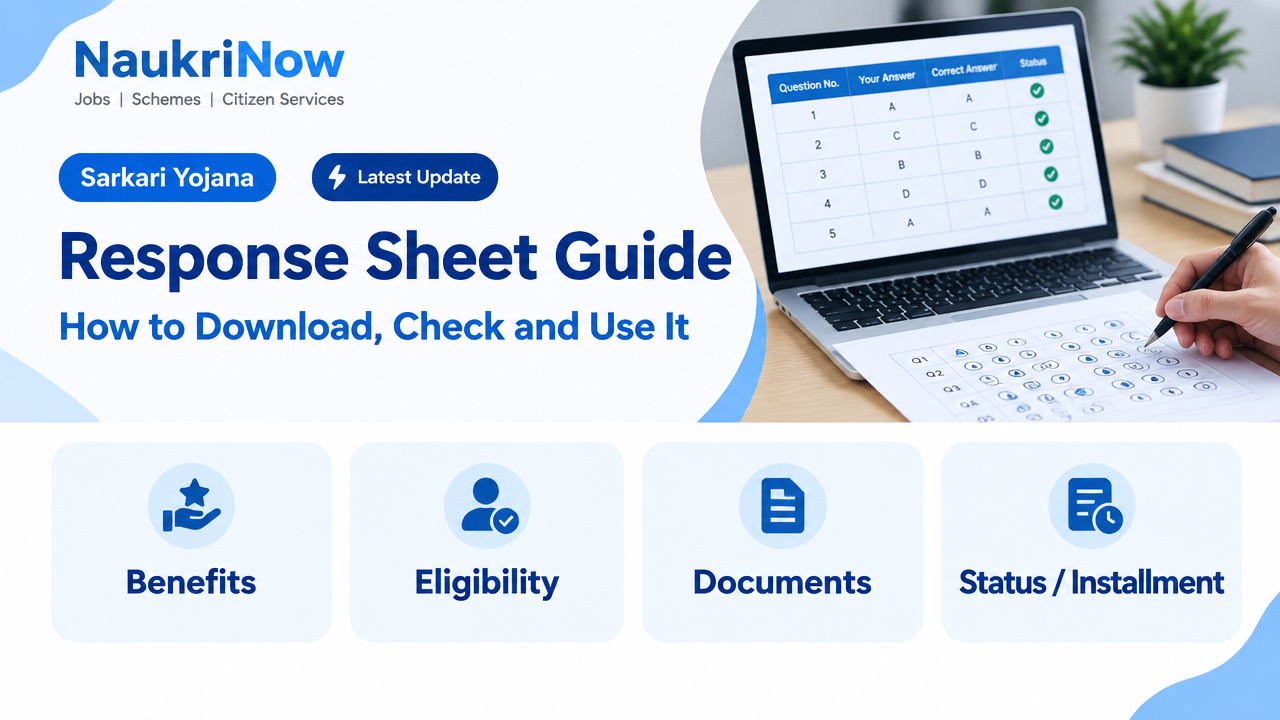
Response Sheet Guide: How to Download, Check and Use It
A response sheet is a record of the answers you submitted in an examination. It can help you review your attempt, compare your responses with an official answer key and estimate a score. Depending on the exam, it may be called a candidate response sheet, recorded responses, response file or a similar name.
The format, release process and rules for reviewing a response sheet vary between examination authorities. Treat the official exam website and its notices as the source of truth for access instructions, deadlines, answer keys, objections and any applicable charges. This guide explains the general process without assuming that every exam follows the same procedure.
Response Sheet Guide: What a response sheet shows
A response sheet usually lists questions or question IDs alongside the answer recorded against each one. In an online test, it may also show the options available, the option you selected, whether a question was left unanswered and, sometimes, the question’s status. Some authorities provide a question paper and response record together; others provide separate files or an online view.
It is not the same as an answer key. Your response sheet records your attempt. An answer key gives the answer considered correct under the authority’s marking scheme. A result or scorecard is different again: it reports the outcome calculated by the authority, which may take into account rules such as negative marking, question cancellations or normalisation where applicable.
Do not assume that a response sheet is a final result, a guarantee of selection or proof that every answer has been evaluated. Use it as a review document and follow the exam authority’s instructions for anything that needs formal action.
Before you try to access it
- Identify the official authority. Start from the examination body’s official website or the portal named in your exam documents. Avoid relying on search advertisements, forwarded links or social media posts for login pages.
- Keep your details ready. You may need an application or registration number, date of birth, password, a verification code or other details specified by the authority. Requirements differ.
- Check official notices. Look for the relevant examination, session and stage. Confirm whether the response record is available, how it can be viewed or saved, and whether access is time-limited.
- Use a secure device and connection. Do not enter credentials on a shared or unfamiliar device if you can avoid it. Never share passwords or one-time verification codes with another person.
- Save the instructions as well as the file. Keep the notice that explains the review or objection process. A downloaded sheet alone may not tell you what actions are permitted or by when.
How to download and preserve your response sheet
- Open the official examination portal. Navigate from the authority’s main website whenever possible. Check the web address and make sure the page relates to your specific exam, not a different recruitment or test.
- Find the correct candidate login or notice. Read the instructions before entering details. If the authority provides separate links for different stages, shifts or papers, select the one matching your own examination.
- Sign in using the requested information. Enter details carefully. If access fails, check for typing errors and read the portal’s troubleshooting guidance. Do not repeatedly guess passwords or use third-party services that ask for your login.
- Open the response record and verify your identity details. Check the name or candidate identifier, exam, paper, date or shift where shown. If anything appears inconsistent, keep a record of it and contact the authority through the official channel described in its notice.
- Save a copy if permitted. Use the portal’s download or print option and save the file in a private location. Give it a clear filename, such as the exam name and the date you saved it. If only an online view is provided, follow the authority’s instructions rather than trying to bypass portal controls.
- Check that the saved copy is readable. Open the file and confirm that pages, question IDs and selected options are visible. If a page is missing or the file will not open, try the official download again or follow the portal’s stated support process.
Keep your response sheet, question paper, answer key and official notices together if you can. These documents make comparison easier and help you explain a concern clearly if the authority permits a review.
How to check your responses against an answer key
First confirm that you are comparing like with like. The answer key must belong to the same examination, paper, subject, question set, language and session where those distinctions apply. Some tests use shuffled questions or multiple paper sets, so matching only by question number can lead to an incorrect comparison. Use question IDs or the authority’s stated matching method whenever available.
- Read the marking rules. Find the official instructions on marks for correct, incorrect and unanswered questions. Check whether there are special rules for multiple-select questions, partially correct responses, cancelled questions or other question types.
- Match each question carefully. Compare the question identifier and wording, not just its position on the page. If the question paper and response sheet use different layouts, take time to establish the correct pairing before recording a result.
- Record your response and the keyed answer. A simple working table can have columns for question ID, your marked option, the answer shown in the key and the outcome under the stated rules. Mark unclear entries for a second check rather than guessing.
- Calculate only from the published scheme. Apply the stated marks for correct, incorrect and unanswered responses. If the authority uses normalisation, scaling or another calculation applied after the test, a raw estimate may not match the final score.
- Recheck disputed or unusual items. Confirm the question set and answer-key version, then review any official updates or revised keys. Do not treat an unofficial answer posted online as a replacement for an authority’s notice.
Illustrative example: Suppose a hypothetical test awards one mark for a correct answer, deducts one-quarter of a mark for an incorrect answer and gives no marks for an unanswered question. If a candidate has 40 correct, 8 incorrect and 2 unanswered responses, the arithmetic estimate is 40 − (8 × 0.25) = 38 marks. This example is not a rule for any particular examination. Use the marking scheme published for your own test, and remember that other adjustments may affect the final result.
What to do if you spot a possible error
Take a moment to identify what kind of issue you have found. A mismatch may come from selecting the wrong paper set, reading an option incorrectly, comparing different question versions or overlooking an updated key. It could also be a genuine issue with a recorded response or an answer key. The right process depends on the authority’s rules.
- Describe the issue precisely. Note the exam, paper or session, question ID and what appears incorrect. Keep the explanation factual and concise.
- Check the official review process. Some authorities allow challenges to answer keys, while others provide a separate method for reporting a portal or response-record issue. A challenge to a key is not necessarily a process for changing a response recorded during the test.
- Follow the stated format and deadline. Use only the official submission route. Requirements can include supporting material or other steps; rely on the current notice for exact instructions, timelines and any fee or refund conditions.
- Keep proof of submission. Save the acknowledgement, reference number or confirmation shown by the official portal. Do not assume that a message or post sent through an unrelated channel counts as a formal objection.
- Wait for an official update. Check the authority’s notices for a response or revised key. Avoid treating rumours or unofficial predictions as confirmation of an outcome.
If you cannot access the sheet, the portal displays an unexpected error or your details do not match, use the contact route provided on the official website or in the exam notice. Do not rely on phone numbers, email addresses or support links copied from unverified posts.
Mistakes to avoid
- Using the wrong key or question set: This can make correct responses look wrong and produce a misleading score estimate.
- Assuming every exam uses the same marking scheme: Negative marking, question treatment and scoring rules vary. Read the instructions for your own examination.
- Confusing an answer-key challenge with a response correction: These are different concerns and may have different processes. Check which issue the official procedure covers.
- Waiting until the last moment: Portals may be busy or access may be limited. Review the notice early and leave time to resolve a login or download problem.
- Sharing credentials or sensitive files: A response sheet can contain personal or examination information. Do not post it publicly or send it to unknown people for a score calculation.
- Relying on an estimated score as a final result: Your calculation may omit official adjustments or later changes. Only the authority’s declared result is authoritative.
- Editing the original file: Keep an untouched copy. Make working notes in a separate document so you can refer back to the record as issued.
A simple review checklist
- I am on the official site for the correct examination authority.
- The response sheet matches my exam, paper and session.
- I have saved or reviewed the record in the way the portal allows.
- I am using the correct official answer key and matching method.
- I have read the published marking and review rules.
- I have noted any concern with its question ID and supporting details.
- I have checked the official notice for the permitted submission route and deadline.
- I have kept my login details private and saved proof of any formal submission.
Frequently Asked Questions
Is a response sheet the same as an answer key?
No. A response sheet records the answers attributed to you. An answer key lists the answers considered correct under the examination authority’s rules. You compare the two to review your attempt.
Does every examination release a response sheet?
No. Whether a response record is released, and how candidates can view it, depends on the examination authority. Check the official exam website and notices rather than assuming a particular process applies.
Can I download my response sheet after the portal closes?
Access arrangements differ. Some portals may provide a limited viewing period, while others may specify a different method. Follow the current instructions from the authority and save a permitted copy while access is available.
Can I change an answer after the examination?
A response sheet is generally a record of what was submitted, not an editing form. Do not assume that you can change a recorded answer. If you believe the record is incorrect, check whether the authority has a specific process for reporting that type of issue.
How can I calculate my expected marks?
Match your responses with the correct official key and apply the marking scheme for your exam. Include penalties and special question rules only where the official instructions specify them. Treat the result as an estimate if further scoring adjustments may apply.
What should I do if my response sheet has missing or incorrect details?
Save the available record, note the exact discrepancy and check the official notice for the reporting route. Contact the authority through its published channel and keep any acknowledgement. Avoid editing the file or sharing personal login information.
Are answer-key objections always allowed?
No. The authority decides whether objections are accepted and sets the method and conditions. If a challenge window or procedure is provided, follow that notice exactly; do not rely on a process used by another exam.
Conclusion
A response sheet is most useful when you verify it carefully and read it alongside the correct question paper, official answer key and marking instructions. Save your record securely, calculate any expected score as an estimate and act promptly if you identify a possible issue. For access, deadlines, objection rules, fees and final outcomes, always follow the latest information published by the responsible examination authority.






Comments