Table of ContentsClick to view all sections
- SSC Admit Card Application Status: what to check
- How to check your application status and exam city
- How to download the SSC admit card
- Understanding the information you see
- Release dates, vacancies and recruitment conditions
- Details and documents to keep ready
- Common problems and how to handle them
- Before you leave for the examination
- Final takeaway
- Official Quick Links
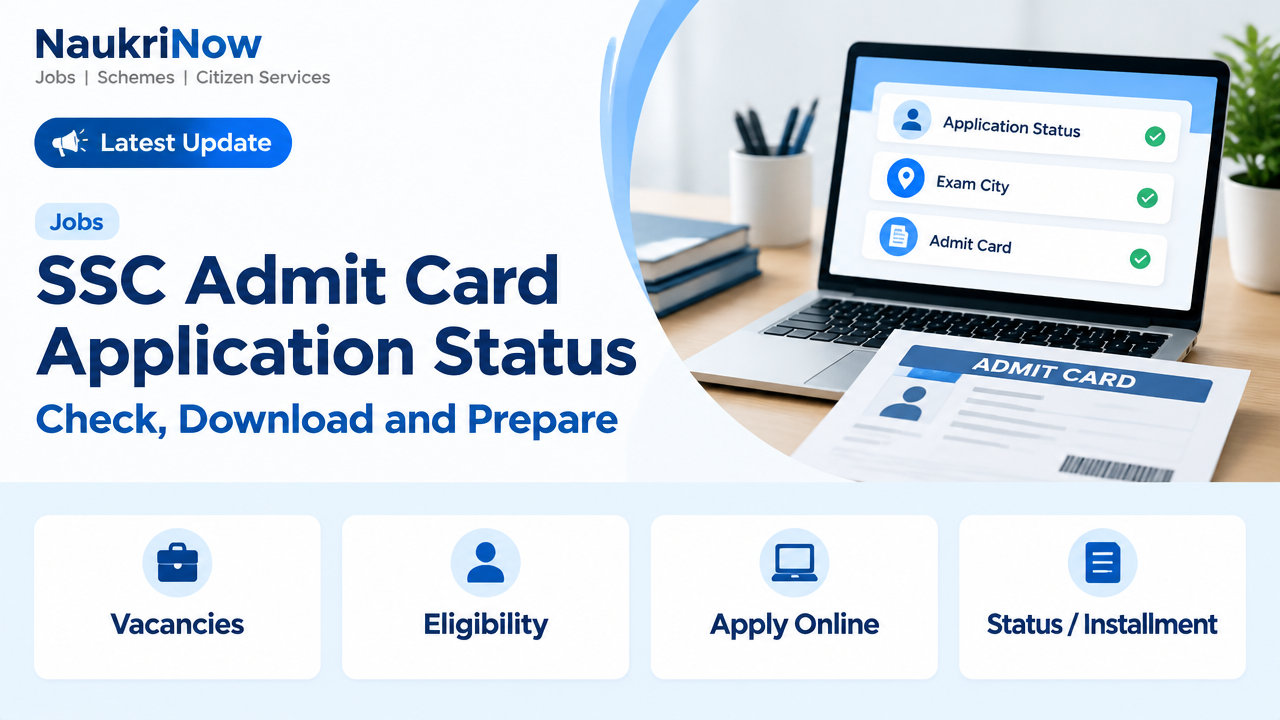
Use this SSC Admit Card Application Status guide to check whether information about your submitted application is available, find any exam-city details released for your examination and download your admit card when it is issued. These are related but separate steps: an application-status page concerns your form, a city notice may provide location information, and the admit card gives the examination and reporting details you must follow. SSC schedules, links and instructions can differ by examination and stage, so start with the current notice for your recruitment and use the official SSC portal as your starting point.
This guide explains a careful way to check each update without assuming that every examination uses the same process. It does not provide a release date, vacancy count, eligibility rule or login method for a particular recruitment. Those details must be verified in the applicable notification and later official updates.
SSC Admit Card Application Status: what to check
Before using a candidate link, identify which information you need. Application status, exam-city information and an admit card are not interchangeable. A page may show one of these items without showing the others, and an update for one examination or stage should not be treated as an update for another. Read the page label and the notice carefully, then use the information only for its stated purpose.
| Item | What it is for | What to do |
|---|---|---|
| Application status | Shows the status recorded for your submitted form, according to the examination’s status page. | Confirm that the examination and application details match your submission. Read any message or next-step instruction shown on the page. |
| Exam-city information | May provide the city allotted for an examination before the admit card, where SSC issues a separate notice. | Use it for city information and travel planning. It is not a substitute for the admit card or proof of entry. |
| Admit card | Provides candidate, examination and reporting instructions for the relevant exam stage. | Download it when available, check the particulars and follow the instructions printed on it. |
How to check your application status and exam city
SSC may publish examination updates through its main portal or direct candidates to a regional website for a particular process. The correct route is the one identified in the relevant official notice. The page layout, login method and details requested can vary between examinations, so do not rely on steps or credentials described for a different recruitment.
- Open the official starting point. Visit the official SSC portal and look for the notice or candidate link that relates to your examination.
- Match the examination and stage. Check the examination name and, where relevant, the stage named in the notice. A link for another recruitment may not show the right information for your application.
- Follow the notice to the correct page. Open the application-status or exam-city link if SSC has released one. If the notice directs candidates to a regional website, use the route provided through that notice.
- Enter only the requested details. Use the credentials and format specified on the official page. Do not guess at alternative formats or enter personal information on an unverified site.
- Read the result and any instructions. Check the details displayed, note any action or date mentioned, and save or print the information if the page allows it and you need a record.
- Check again for the admit card separately. A status result or city notice does not mean the admit card is available. Return to the official route when the relevant notice says the admit card can be accessed.
When looking up SSC Admit Card Application Status, keep the exact examination name in view from the start to the end of the process. If you have submitted applications for more than one recruitment, do not assume that one result applies to all of them. Review each applicable notice and candidate page separately.
How to download the SSC admit card
Use the official instructions for the examination and stage you are taking. These steps describe a general approach; the page you reach may request different details or present the download option differently.
- Go to the official SSC website and locate the notice or candidate link for your examination and stage.
- Follow the notice to the relevant login or admit-card page. If it directs you to a regional website, use the link provided through that official notice rather than a link from an unverified message.
- Enter the information requested on the page, using the format stated in its instructions. Take care when entering names, numbers or other details so that the information matches your submitted application.
- Open the admit card and review all the particulars shown. Check your name, roll or registration details, examination date, reporting time, venue and any additional instructions included on the document.
- Save a clear copy in a place you can access later. Print it if the examination instructions require a printed copy or if you want a paper copy for reference.
- Read the full document before exam day. Pay attention to the venue, reporting instructions, identity-document requirements and any list of permitted or prohibited items.
If the page does not offer an admit-card link, do not infer that your application has been rejected or that an exam date has changed. First check whether the notice says the card has been released for your examination and stage, and whether it directs candidates to another official page. The relevant notice and official candidate route are the sources to use for the next step.
Understanding the information you see
A status page should be read according to the wording and explanation provided for that particular examination. This guide cannot define every possible status message, because the displayed terms and their meaning may depend on the process. Read any accompanying note on the page and compare it with the relevant official notice. If the message is unclear or appears inconsistent with your records, follow the contact or grievance process stated for that examination rather than relying on assumptions.
Similarly, a city update, where issued separately, is limited to the city information it provides. Do not treat it as a full venue address, reporting instruction or entry document unless the official notice explicitly says so. The admit card is the document to check for the examination and reporting particulars printed for you. If information appears different across pages, verify which document is current and follow the instructions in the latest applicable official notice.
Keep a copy of any relevant notice or page you rely on, where permitted. A saved record can help you compare the information later or explain the issue when using an official help process. It does not replace the admit card or alter the requirements stated by SSC.
Release dates, vacancies and recruitment conditions
There is no single admit-card release date, vacancy count or recruitment schedule that applies to every SSC examination. The applicable notification and later official updates are the source for that recruitment. Avoid applying a date, vacancy figure or eligibility detail from another SSC examination, an older notice or an unofficial summary to your own application.
| Detail | Where to verify it |
|---|---|
| Application deadline and exam schedule | The examination notification and official updates for that recruitment. |
| Vacancies and post details | The notification, including any official revised vacancy notice. |
| Qualification and age limit | The eligibility section of the applicable notification, including its cut-off date and any stated relaxations. |
| Application fee or exemption | The fee and payment provisions in the notification and application instructions. |
| Pay or salary details | The post and pay information stated in the relevant notification; these details are not uniform across SSC recruitments. |
| Selection stages and exam pattern | The selection scheme and syllabus for the specific examination. Check for later official amendments. |
These recruitment conditions are separate from the question of whether a status page or admit-card link is available. If you need to confirm eligibility, fees, post details or a schedule change, consult the applicable official document instead of inferring the answer from a candidate login page.
Details and documents to keep ready
Having relevant information available can make it easier to use an official candidate page and review your documents carefully. Keep personal and login information private, and enter it only through the official route. For an SSC Admit Card Application Status check, use the information associated with your own submitted application. The list below is for preparation; the admit card and examination notice remain the authority on what you must bring.
| Prepare | Why it helps |
|---|---|
| Application or registration details | A candidate page may ask you to identify the form you submitted. Use the information associated with that application. |
| Login information requested by the official page | It allows you to access status or download services where required. Keep it private and follow the page’s stated entry format. |
| Relevant examination notice | It helps you confirm the correct recruitment, stage, official route and any instructions that apply to your process. |
| Downloaded admit card | It lets you review your own examination and reporting particulars. Check the notice to see whether a printed copy or another format is required. |
| Identity document and any other required item | Carry only the identification and supporting items specified in the admit card or examination notice. |
Do not assume that a document accepted for one SSC examination will automatically satisfy the rules for another. Requirements can differ. Check the specific instructions on your admit card and in the relevant notice, including any directions about identity proof or other required items.
Common problems and how to handle them
- No status, city or admit-card link appears: Check the latest notice for your examination and stage. The link may not yet be available, or SSC may direct candidates to a regional page. Use the official route named in the notice.
- The page does not accept your login details: Confirm that you opened the correct examination page and entered the details in the requested format. Avoid repeated guesses. Use official recovery or help instructions if the page provides them.
- Your application does not appear: Check that you selected the correct examination and used details from the form you submitted. If the problem continues, follow the official contact or grievance process in the relevant notice.
- A personal detail looks incorrect: Do not assume it can be changed at the venue. Review the examination notice for the prescribed correction or contact process and act promptly.
- A city notice and admit card seem to provide different kinds of information: A separate city notice, when issued, provides city information. Use the admit card for the reporting and entry instructions printed on it, and check the official notice if you are unsure how to interpret an apparent difference.
- You find a link through a search result, social post or message: Verify the link against the SSC portal or the official notice before entering personal information. Do not rely on a page merely because it uses SSC-related wording.
- The downloaded file is difficult to read or appears incomplete: Return to the official page and check the file again. Make sure you can read the details and instructions before relying on the copy. If the issue remains, use the official help or contact process specified for the examination.
- You are unsure whether a new update applies to you: Compare the examination name and stage in the update with your own application. If the notice does not resolve the question, use the contact route it provides rather than drawing a conclusion from a different recruitment’s update.
For problems involving an application record, use the official process stated for that examination. A general guide cannot confirm an individual candidate’s application status or make changes to an application. When checking SSC Admit Card Application Status, keep your explanation factual and include only the information requested by the official contact or grievance process.
Before you leave for the examination
- Check the examination date, reporting time and venue on your admit card. Do not rely on an earlier city update for those details.
- Read all instructions on the admit card, including the identity-document requirements and any permitted or prohibited items.
- Make sure your downloaded or printed admit card is readable and that its details are consistent with your application.
- Plan your route using the venue address shown on the admit card, allowing time for travel and to follow the reporting instructions.
- Keep your application and login details private. Do not share passwords or one-time codes with anyone claiming to arrange an admit card.
- Check the official notice again if you are uncertain about an instruction or learn of a possible update. Follow the current notice for your own examination and stage.
Use the admit card as your reference for exam-day particulars, but do not overlook any additional instructions in the relevant examination notice. If a detail is unclear, try to resolve it through the official route before travelling rather than assuming that a venue official can change your record or interpret a missing instruction for you.
Final takeaway
For SSC Admit Card Application Status and related updates, check by examination name and stage: review the application status, look for any separate exam-city information, and then access the admit card when it is released. These items serve different purposes, and city information does not replace an admit card. Release timing, eligibility, fees, vacancies, pay and selection rules depend on the specific recruitment. For decisions that affect your application or exam-day entry, rely on the current official notice and portal rather than a general guide.
Frequently Asked Questions
Where can I check SSC Admit Card Application Status?
Start at the official SSC portal and follow the notice or candidate link for your examination. If the notice directs you to a regional website, use that official route. Check that the examination and stage match your application before entering details.
Is application status the same as an SSC admit card?
No. Application status relates to the submitted form, while the admit card contains examination and reporting information. Check the status and download the admit card separately when each is available.
Is the exam-city slip valid for entry to the exam?
No. If a separate city notice is issued, it provides city information and does not replace the admit card. Follow the entry requirements printed in the admit card and examination notice.
When will SSC release my admit card?
Release timing varies by examination and stage. Check the latest official notice for your recruitment; there is no single release date that applies to every SSC examination.
What should I do if I cannot log in?
Check that you are on the correct examination page and have entered details in the format requested. Use any official recovery or help instructions shown there. If the issue remains, follow the contact process in the relevant notice.
What if my name or another detail is wrong on the admit card?
Check the examination notice for the official correction or grievance procedure and act as soon as possible. Do not assume that the venue can correct the record.
Are SSC eligibility, fees and salary the same for every exam?
No. Qualification, age limits, relaxations, fees, vacancies and pay depend on the recruitment and post. Verify each item in the applicable notification and official updates.
Which documents should I take to the exam centre?
Follow the admit card and examination notice. They specify the required identity proof and any other permitted or mandatory items for that examination.
What is the difference between a city notice and the admit card?
A city notice, if SSC issues one separately, may tell you the allotted city. The admit card provides the examination and reporting particulars shown for you. Use the admit card and official instructions for exam-day requirements.
Official Quick Links
| Resource | Link |
|---|---|
| Staff Selection Commission official portal | https://ssc.gov.in/ |


Comments